
Top 7 Acapella Makers for All Devices in 2026
Martina Lee | Updated on 2026-08-12
Most of us enjoy listening to music, but making an acapella from a fully mixed track is not something everyone knows how to do. Whether you're trying to isolate vocals, create a karaoke version, or extract vocals from a YouTube video, you'll need the right acapella maker to get clean results.
Thanks to AI-powered tools, it's now easier than ever to make a song acapella. Whether you're on a PC, Android device, or just using an online tool, these vocal removers make it simple to extract vocals or create instrumental tracks in seconds.
In this article, I'll walk you through 7 of the best acapella makers for online, PC, and Android. So if you're looking for the best vocal remover, or just want to make acapella and enjoy acapella singing, keep reading.
Contents
Part 1. Best Acapella Maker Online Tools
Coolo AI Vocal Remover
Coolo AI online vocal remover is a powerful online acapella maker that lets you extract vocals or instrumentals from any song in seconds. With just a few clicks, you can create high-quality acapella or karaoke versions and download them separately based on your needs.
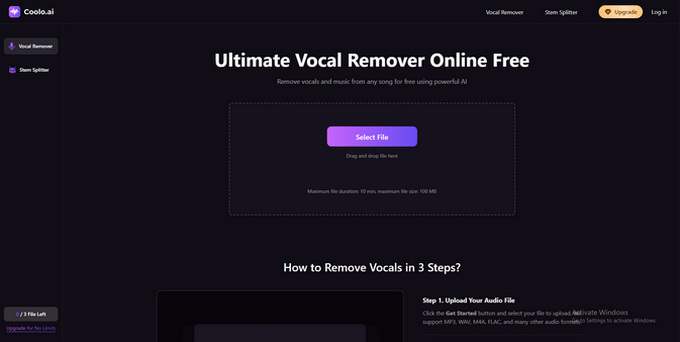
Whether you're remixing, singing covers, or creating backing tracks for practice, this acapella maker offers a fast and accurate solution. Try it now and turn your favorite tracks into studio-ready acapella with ease.
Coolo AI Online Vocal Remover
100% vocal and instrumental isolation
Pros
- Remove vocals or extract instrumentals in a flash
- Supports all popular audio formats
- AI-Powered vocal isolation
- Full Support for Acapella Use
- Beginner-friendly interface
Cons
- File upload limited to 100 MB and 10 minutes
Below is how to Make Acapella from a Song with Coolo AI:
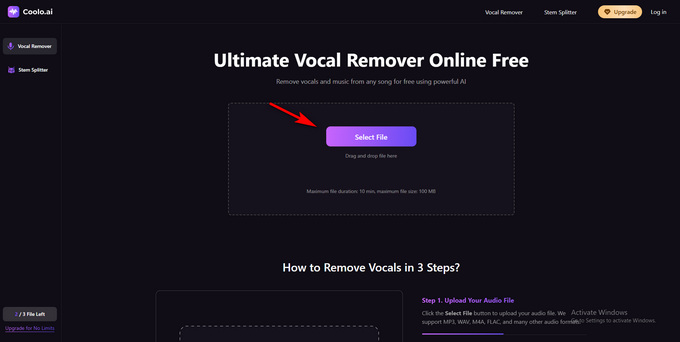
- Tap Select File to import the music file from your local storage. You can upload audio files for acapella track extraction.
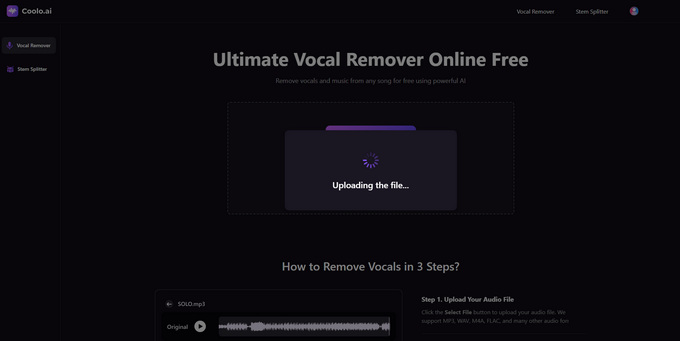
- This acapella extractor will automatically analyze your file and separate vocals from instrumentals.
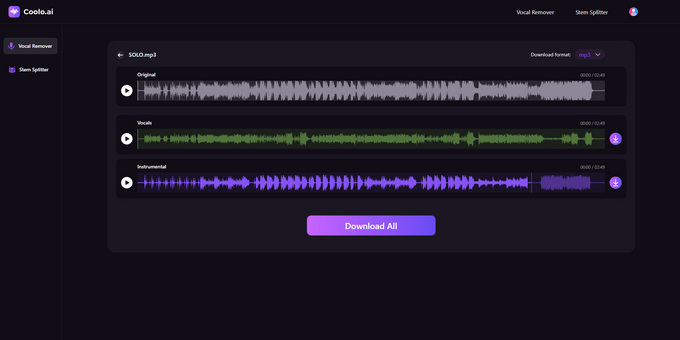
- Finally, preview the extracting result and download the Vocals track to your local storage.
Vocal Remover and Isolation
Vocal Remover and Isolation is a free AI-powered acapella extractor that quickly splits songs into karaoke and acapella while offering BPM, scale, and key insights.
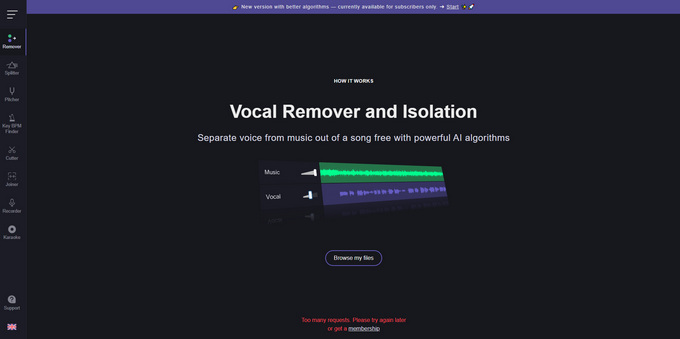
While it's highly effective at isolating vocals and instruments, it may introduce artifacts in songs with complex, overlapping elements. Still, its intuitive interface and extra audio features make it a strong option.
Pros
- AI-powered vocal removal with BPM, scale, and key detection
- Easy to use
- Fast 10-second processing
- Supports audio and video formats
Cons
- May produce audio artifacts with layered instrumentals
Part 2. Acapella Maker Apps for PC
LALAL.AI
LALAL.AI is a leading AI-powered acapella maker that specializes in fast and precise vocal and instrumental separation. Whether you're extracting vocals to create an acapella or isolating instruments for remixing, LALAL.AI delivers high-quality results with minimal distortion.
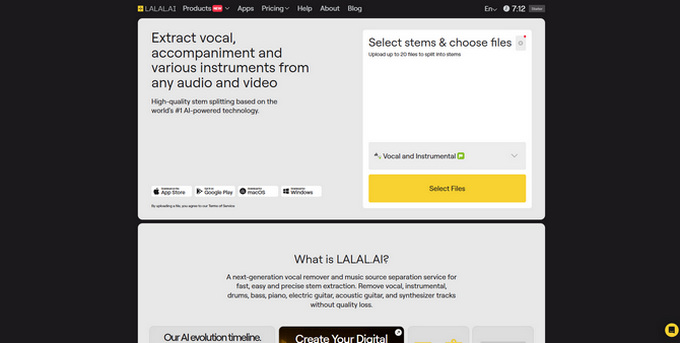
The free version supports common formats like MP3, WAV, FLAC, AIFF, and AAC, while paid plans unlock more file types, faster processing, and batch uploads.
Pros
- Fast vocal and instrument separation
- Supports a wide range of audio formats
- Offers high-quality output and batch processing
Cons
- Free version has limited functionality
- Advanced features and formats (e.g., MP4, AVI) require a paid plan
Audacity
Audacity is a free, open-source audio editor available on multiple platforms. Users can easily record, edit, and process audio for various purposes.
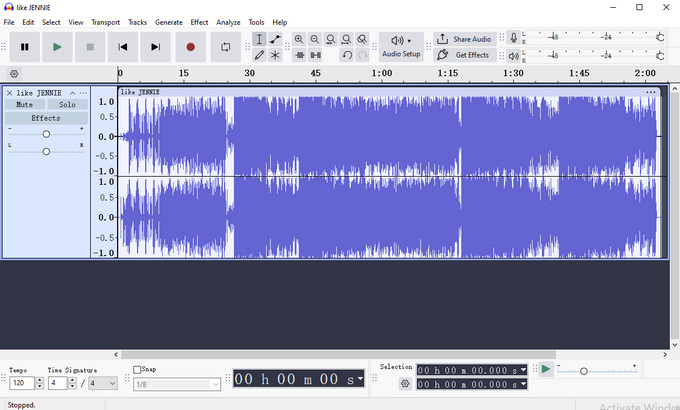
As an acapella maker, Audacity includes built-in tools for vocal extraction. While effective, it often requires manual fine-tuning and some editing experience to achieve clean results.
Pros
- Free and open-source acapella extractor
- Supports vocal removal and isolation with basic built-in tools
- Plug-in support expands functionality with effects and stem separation features
Cons
- Requires plug-ins for full stem separation and format support
- Interface can be overwhelming for beginners
Part 3. Acapella Maker for Android
AI Vocal Remover & Karaoke
Vocal Remover for Karaoke is a beginner-friendly multimedia app that lets users turn songs from their music library into karaoke backing tracks. With its intuitive interface, it's easy to remove vocals, download instrumental versions, rewrite lyrics, and create custom karaoke tracks directly on your phone.
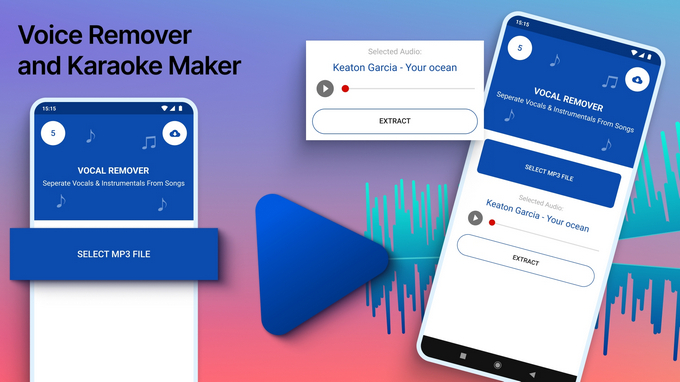
The free version, however, is limited to three uses and includes ads. Downloads can also be slow, and saved files may be hard to locate in your folder.
Pros
- Easy to use, ideal for beginners
- Compatible with various music files
Cons
- Vocal removal quality varies and may include distortion
- Free version includes ads and restricts usage
Vocal Remover, Cut Song Maker
This vocal remover app for Android offers a simple and efficient way to make acapella or instrumental tracks using AI-powered separation. As an all-in-one acapella maker, it can automatically detect and isolate vocals, drums, bass, and piano, making it ideal for acapella singing, remixing, or creating karaoke versions.
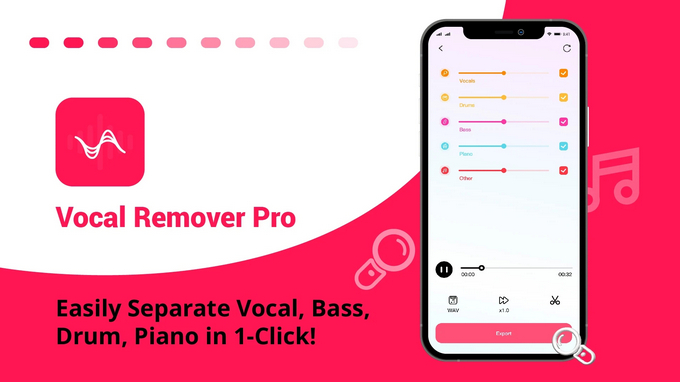
However, the free acapella extractor version is limited to a 3-day trial, after which a subscription is required. Additionally, ads may appear when processing files larger than 200MB, which can impact the overall experience.
Pros
- Supports vocal extraction and batch processing
- Easy audio cutting, mixing, and multitrack editing
Cons
- Ads appear for files over 200MB
- Occasional sound distortion
- No free trial without credit card
- Processing can be slow
Conclusion
In 2026, acapella makers are more accessible than ever across online platforms, PC, and Android. These acapella extractors empower musicians and producers to isolate vocals from mixed tracks with ease and precision.
Among them, Coolo AI Vocal Remover stands out with its reliable performance, clean interface, and support for acapella singing, remixing, and content creation. Whether you're a casual user or a pro, there's a tool to match your needs, from free vocal isolation apps to advanced AI karaoke makers.
Try Coolo AI Vocal Remover today and remove vocals from any song instantly.
Coolo AI Online Vocal Remover
100% vocal and instrumental isolation
You can also make an acapella from any song instantly on your desktop:
FAQs
1. Can I convert MP3 to acapella online?
Yes. Upload your MP3 to our acapella maker online, and it will separate the vocals for you.
2. How does an AI acapella extractor work?
It analyzes audio patterns to separate vocals from instrumental using AI-powered algorithms.
3. Is this AI acapella maker free to use?
Yes! Coolo AI acapella extractor is completely free. No sign-up or subscription required.
4. How do I extract vocals or make acapella from a song?
Step 1. Launch our acapella maker. Next, click the Select File button to upload your audio and begin processing.
Step 2. Our advanced algorithm will automatically detect and separate vocals from the music in seconds.
Step 3. Listen to the result, then download the isolated vocals, instrumentals, or both.