
4 Best AI Karaoke Makers: Remove Vocal Online
Martina Lee | Updated on 2026-08-15
Modern online AI karaoke makers let you remove vocals, pull out clean instrumentals, and build sing-along tracks in your browser. There’s no need to install complex software or master audio engineering skills — just start creating with a few clicks.
In this guide, we’ll take a closer look at why AI karaoke makers are quickly becoming a go-to choice for music fans. We’ll also share some practical tips to help you separate vocals from music more cleanly and create karaoke tracks that actually feel good to sing along with.
Part 1. Why Online Karaoke Makers Are Gaining Popularity
In the past, producing a karaoke track often meant using dedicated hardware or complex software, which could be confusing and time-consuming. Today, browser-based AI karaoke makers allow users to upload a song and instantly remove the vocals, producing clean backing tracks with minimal effort.
Online karaoke song makers eliminate the need for installation and allow cross-platform access. They also offer intuitive interfaces that let users focus on creativity rather than technical hurdles. Whether you’re a content creator, music teacher, karaoke party host, or just someone who loves singing, these tools help you generate instrumental tracks in seconds.
This shift toward online tools has democratized karaoke creation, making it accessible to anyone with a browser and a creative idea.
Part 2. 4 Best AI Karaoke Makers to Create Your Own Tracks
Coolo AI Karaoke Maker
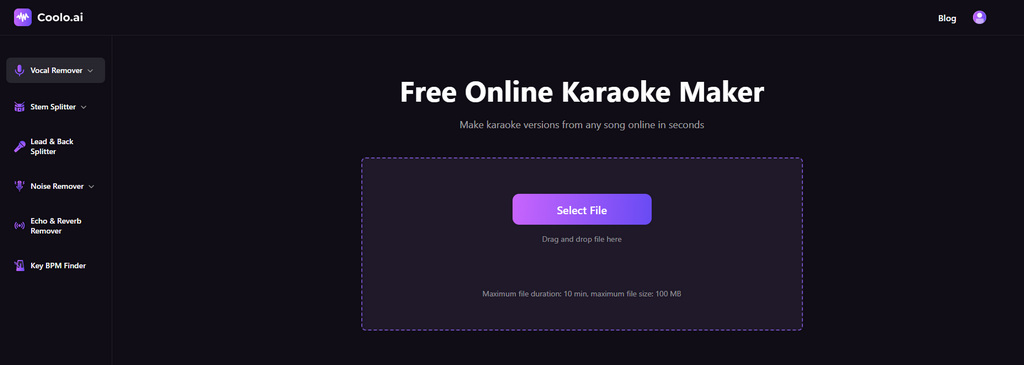
Coolo AI karaoke maker is a free, browser-based tool that quickly and accurately removes vocals from songs. It supports multiple audio formats (MP3, WAV, FLAC, M4A) and delivers clean karaoke tracks — no installation or sign-up required. Perfect for anyone looking for a hassle-free way to create karaoke audio.
Coolo AI Online Vocal Remover
100% vocal and instrumental isolation
How to create a karaoke track for my favorite songs with Coolo AI?
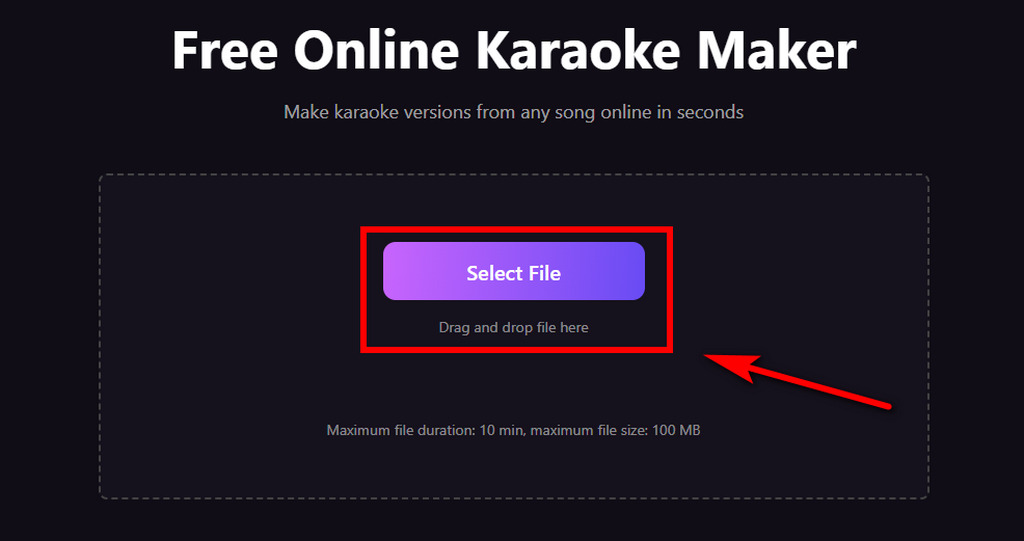
- Visit Coolo AI karaoke instrumental maker, select your desired music, and upload it. This powerful online tool supports all audio formats, so you can directly drag and drop your file without conversion.
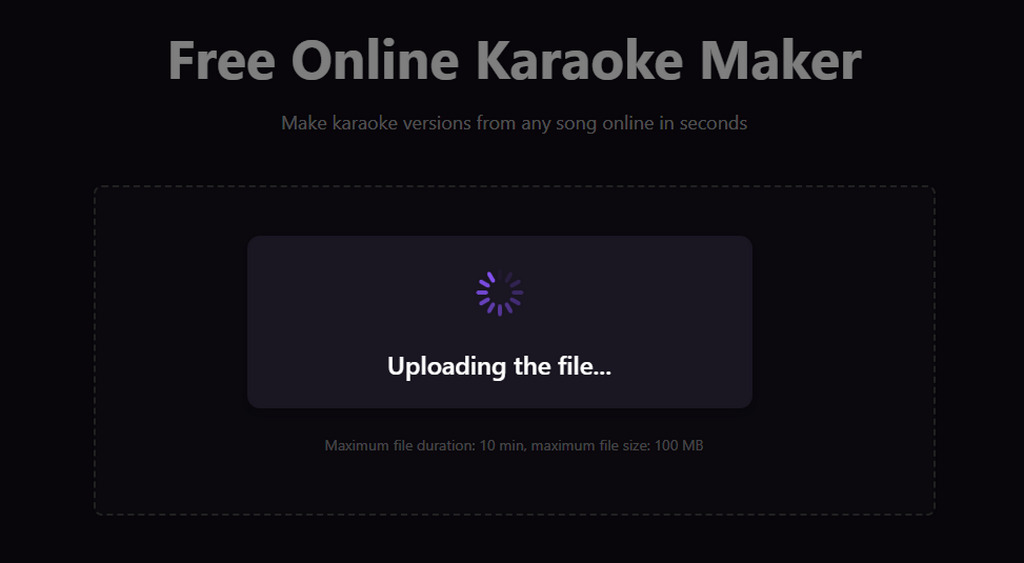
- The AI processes your audio in a few minutes. No manual adjustments are needed — just wait for the clear karaoke track to be ready.
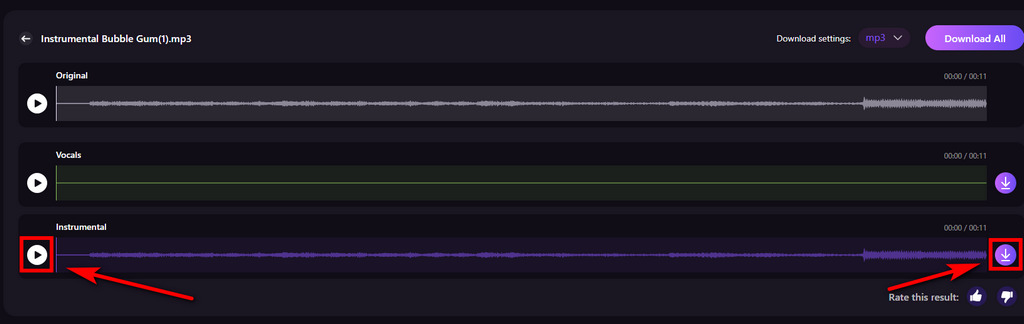
- Preview the karaoke audio and download it to your mobile device or computer. Then you can start singing your favorite songs right away.
Pros
- High-quality voice isolation
- Works entirely online
- Fast AI karaoke generation
- Wide format support for flexibility
- Isolate vocals for free
- Selectable sample rate
Cons
- No built-in lyrics-sync editing tools
MyKaraoke Video
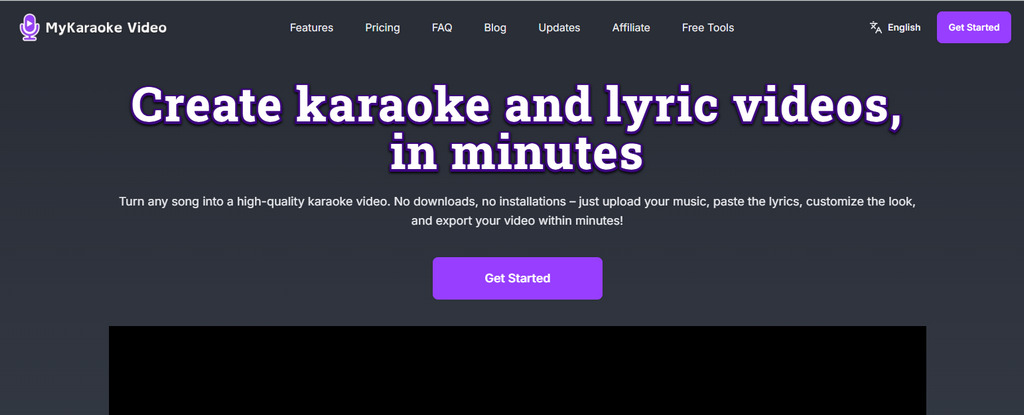
MyKaraoke Video is an AI online karaoke maker that does more than just remove vocals. It also helps you turn your track into a lyric video without much effort. The lyrics sync automatically with the music, and you can adjust the background and fonts to match your style.
Pros
- Automatic lyrics synchronization
- Online AI karaoke generation
- Real-time preview before exporting
- Supports karaoke video generation
Cons
- Some advanced features require a paid subscription
- More complex for users just seeking audio-only karaoke
Remusic
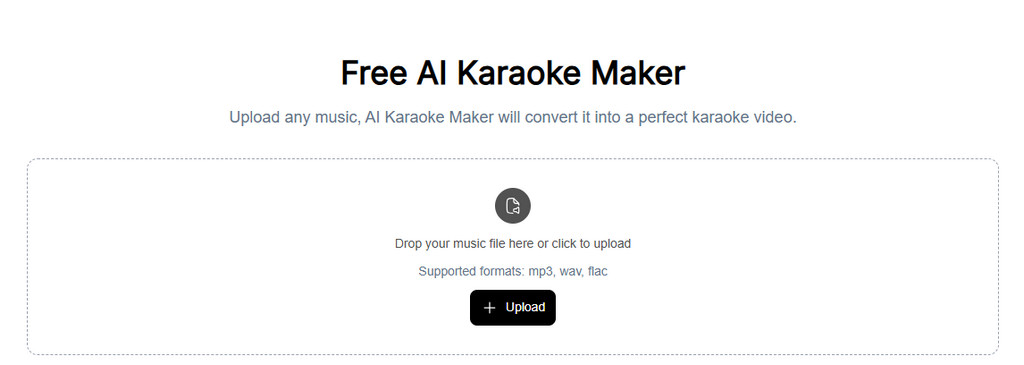
Remusic offers an online karaoke creation service that separates music from vocals and can auto-sync lyrics, providing downloadable instrumental tracks. It supports multiple formats, making it perfect for parties, practice sessions, or entertainment purposes.
Pros
- Free vocal removal
- Supports multiple audio formats
- Auto-sync lyrics
- Additional features like AI music generation
Cons
- Vocal isolation quality varies by song complexity
- Japanese/Korean lyrics may not sync well
MyEdit
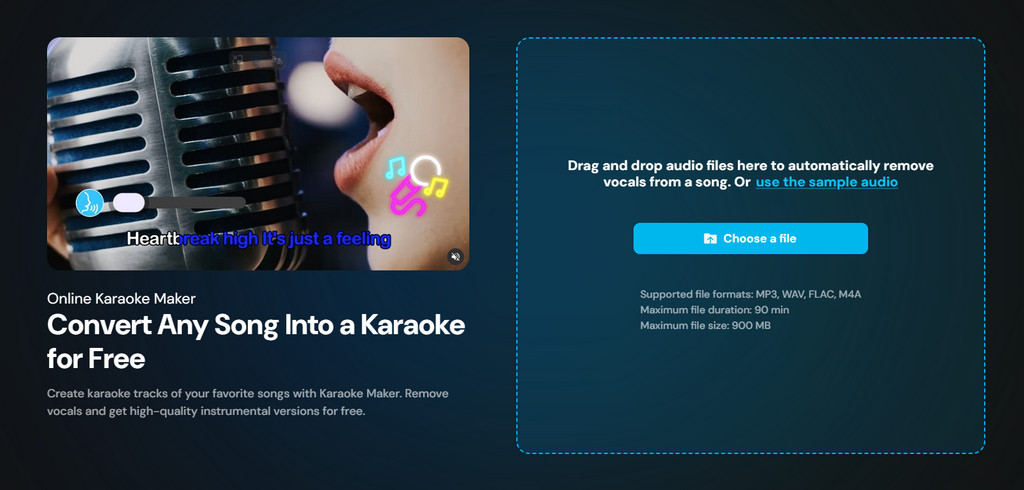
MyEdit offers an online karaoke maker tool that allows you to generate background instrumental tracks for singing. With a simple interface, you can easily remove vocals from songs and enjoy karaoke sessions with friends and family.
Pros
- Straightforward AI karaoke generation
- No software installation needed
- Supports multiple audio formats
Cons
- Basic feature set compared to dedicated karaoke platforms
- Limited editing and customization options
- Focuses mainly on audio output, not video or lyrics sync
Comparison Table: Choose the Best AI Karaoke Makers
Compare the key features of the top AI karaoke makers below. Coolo AI excels at vocal removal, and while it doesn’t extract lyrics, it’s far more time-saving than alternatives that offer lyrics but lack speed and accuracy.
| Feature / Tool | Coolo AI | MyKaraoke Video | Remusic | MyEdit |
|---|---|---|---|---|
| Vocal Removal Quality | Excellent | Basic | Basic | Basic |
| Selectable sample rate | Yes | N/A | N/A | N/A |
| Processing Speed | Excellent | Basic | Good | Good |
| Audio Format Support | Excellent | Excellent | Excellent | Excellent |
| Customization Options | Excellent | Basic | Good | Good |
| Ease of Use | Excellent | Basic | Basic | Basic |
| Free Plan Available | Yes | Limited | Yes | Yes |
| Long Audio Support | Good | Basic | Basic | Good |
| Lyrics Auto-Sync | N/A | Limited accuracy | Limited accuracy | N/A |
Pro Tips for Creating Unforgettable Karaoke
Creating great karaoke tracks is more than just removing vocals — here are some tips to enhance your karaoke performance:
Start with High-Quality Audio
Use the highest bitrate version of your song available. If you’re using demo or remix audio files with background noise, you can clean up audio before separation to get a higher-quality karaoke track.
Prepare Lyrics in Advance
You can save song lyrics in advance from Apple Music or Spotify. This ensures you get the most accurate lyrics available — and they’re completely free. You can even save them while picking out your songs.
Practice Your Timing
Even with precise audio, spending a little time rehearsing with your karaoke track can help you perform better when singing live or recording a cover.
Conclusion
There’s no longer a need for large, cumbersome equipment or paid visits to karaoke venues. Thanks to advanced AI technology, we can remove voice from song and obtain high-quality instrumental tracks quickly — letting you sing anytime, anywhere. Traditional methods for removing vocals from audio often require technical skills and time-consuming adjustments, but AI karaoke makers now offer a faster way to create clean, sing-ready tracks online.
If you want to make karaoke tracks with minimal effort, the Coolo AI karaoke maker is a practical choice. It keeps the process simple while delivering precise, reliable results — even for beginners.
Coolo AI Online Vocal Remover
100% vocal and instrumental isolation
FAQs for Creating Karaoke Tracks
1. What is an online AI karaoke maker?
An AI karaoke maker is a tool that uses artificial intelligence to remove vocals from songs and create karaoke tracks. You can sing your favorite songs at home easily, with no complex equipment required.
2. Can I create karaoke tracks for free?
Yes, you can isolate vocals from songs with our free online karaoke maker. There are no hidden fees, and you can preview the isolated instrumental track before downloading it.
3. What's the best karaoke maker?
Coolo AI karaoke track maker is one of the best options out there. It's advanced AI removes vocals from songs online for free, so you can easily and quickly create your own karaoke tracks — no installation or setup is required.
4. Should I buy a machine for karaoke?
There's no need to buy a costly karaoke machine. Just visit Coolo AI karaoke maker and upload your desired song — this online tool will automatically generate your karaoke track in minutes.
5. What file formats are supported for music uploads?
You can easily remove vocals from MP3, WAV, M4A, and other formats with Coolo AI karaoke maker. It can ensure maximum compatibility for all your use cases.