
Top Background Noise Remover Sites & Software
Martina Lee | Updated on 2026-08-15
Background noise affects recordings in different ways. For example, as a musician, you may need to deal with hiss or hum that hides the finer parts of a track. As a podcaster, you have to manage ambient sounds or room reverb slipping into your sessions. On top of that, you may prefer quick, browser-based noise cleaners that require no installation, while you may sometimes rely on desktop noise removers that offer more control for detailed or professional work.
To help you pick the ideal tool, this article compares the most effective background noise removers on the market today — covering both web-based tools for quick fixes and desktop applications built for advanced audio editing.
Contents
Part 1. 3 Best Web-Based Background Noise Removers
Coolo AI Background Noise Remover
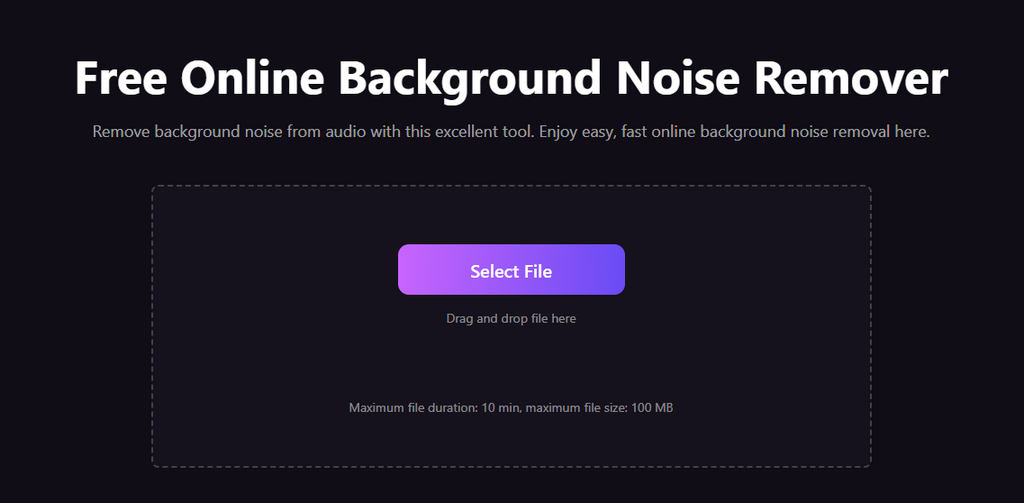
Coolo AI background noise remover is a fast, browser-based tool designed for creators, podcasters, musicians, and anyone seeking instant access to clean audio. With advanced AI models, you can also remove echo and reverb while preserving vocal clarity. Once you're satisfied with the online version, you can also download the software for Windows, Mac, or Android to enjoy a more stable noise reduction experience.
Coolo AI Noise Reducer
Remove noise from audio free online
How to remove noise from audio online for free with Coolo AI audio cleaner?
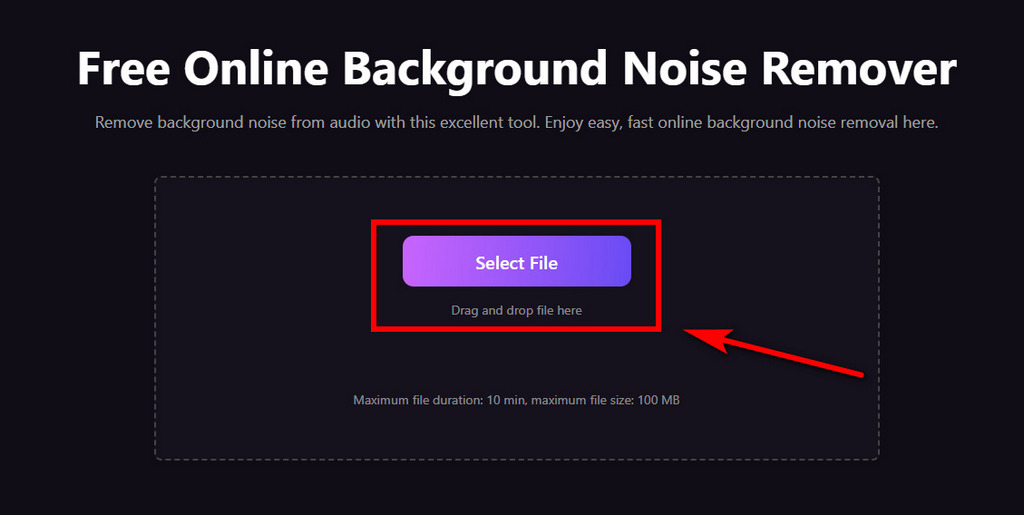
- Click the Select File button to upload your audio file to Coolo AI.
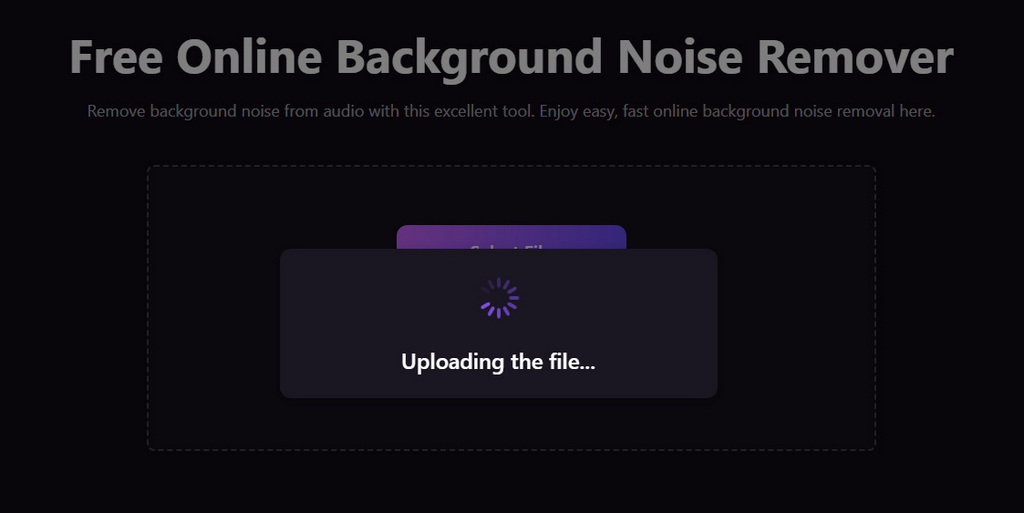
- It will take a few seconds to analyze your audio, and you can wait for its fast, accurate noise reduction to complete automatically.
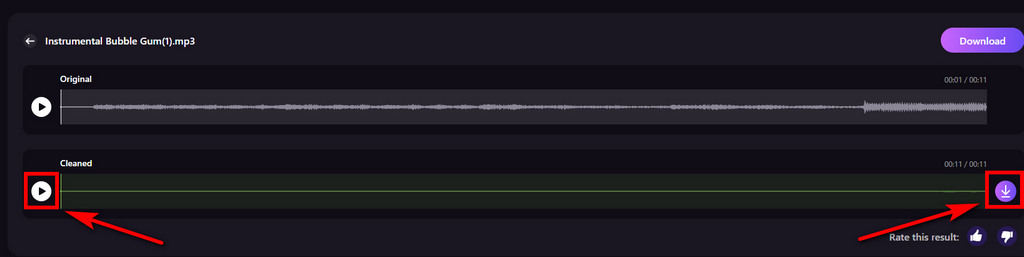
- Preview your cleaned audio and save it to your device with one click. You can then start creating new content or music immediately.
Pros
- Removes background noise, echo, and reverb with AI
- High accuracy noise reduction
- Fast processing with minimal audio distortion
- Supports large audio files
- Full audio format support
- No ads and hidden fees
Cons
- Requires a stable internet for large uploads
LALAL.AI
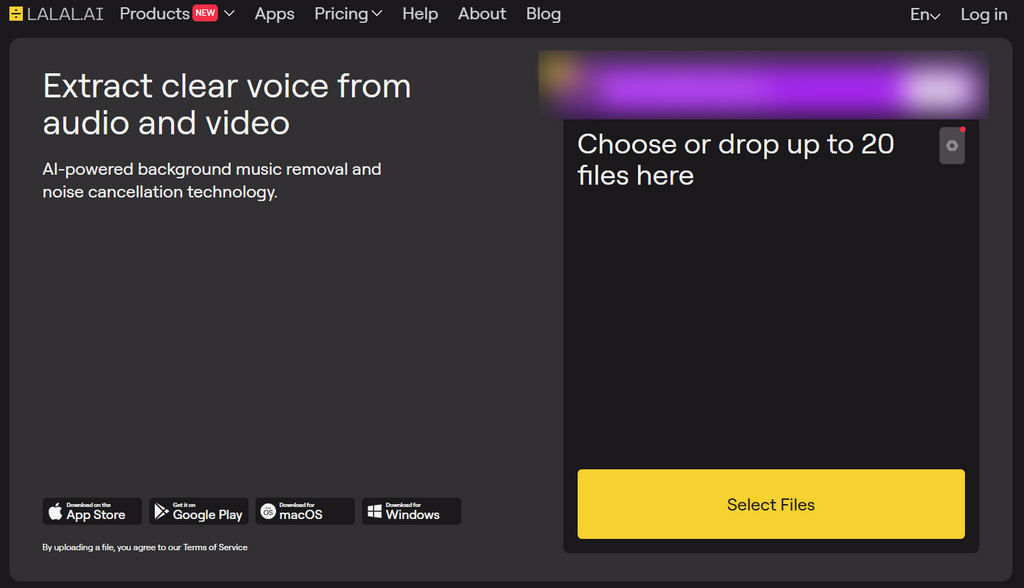
LALAL.AI is an AI-driven tool that focuses on removing background noise for both audio and video. It offers a simple drag-and-drop interface, fast processing, and strong results for vocals and spoken audio — ideal for content creators looking to clean up their recording voice.
Pros
- Accurate AI noise reduction
- User-friendly interface
- Multi-format support
Cons
- Free plan has strict limits
- Pop-up ads may interrupt the workflow
VEED
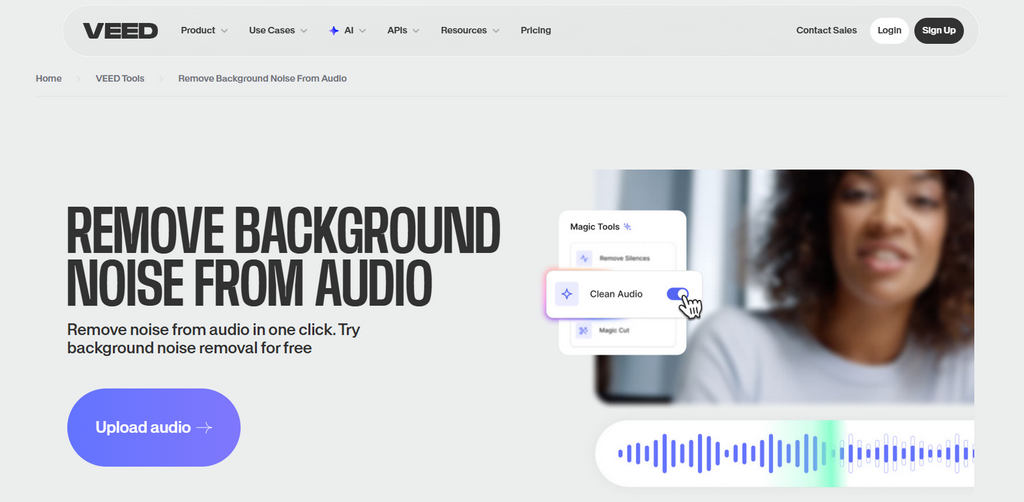
VEED’s background noise remover is part of its core features. It can analyze your audio directly in a browser and provide a convenient way to remove noise for video editing, subtitling, and content creation. It's a good choice if you want background noise removal plus editing in one place.
Pros
- Works inside a full online editing studio
- Simple interface for beginners
- No software installation
- Equipped with powerful servers
Cons
- Free version exports with limitations
- Processing can be slow on long files
Part 2. 3 Best Noise Remover Software for Desktop
AnyVibe Audio Cleaner
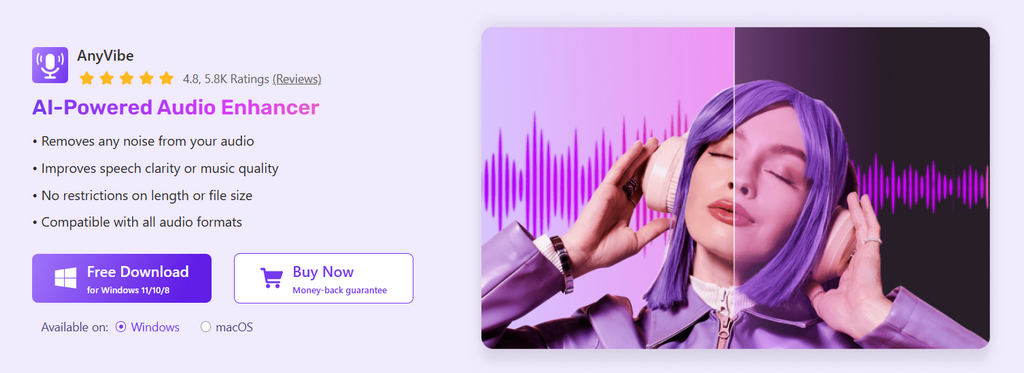
AnyVibe audio cleaner is a reliable tool for eliminating noise, echo, and reverb on both Windows and Mac. Its offline processing delivers blazing-fast performance, making it ideal for users who frequently handle large audio files. What’s more, it offers two dedicated modes: Music (for instrumental tracks) and Voice (for speech recordings). You can select the mode based on your audio type to achieve optimal results.
Pros
- Stable offline processing
- Supports multiple formats
- Remove background noise from audio for free
- Includes additional enhancement tools
Cons
- UI may feel basic for advanced editors
Logic Pro
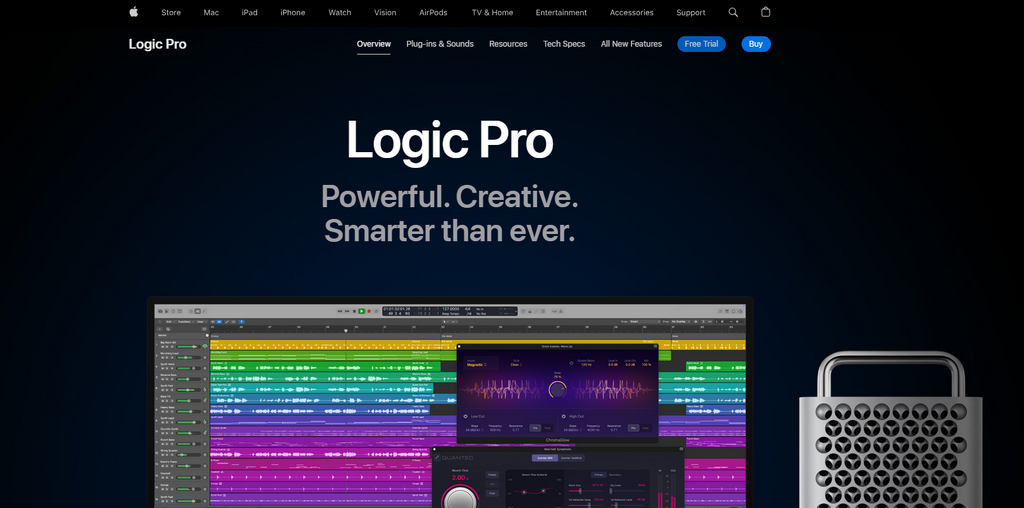
Logic Pro includes powerful audio restoration tools, such as noise gates, adaptive filters, and advanced plugins, to clean up audio. It’s a professional-grade solution ideal for musicians, producers, and sound designers.
Pros
- Studio-level editing and noise remover
- Excellent for music production
- High-quality built-in plugins
Cons
- Supports macOS only
- Requires audio editing knowledge
Adobe Audition
Adobe Audition is an industry-standard audio editing and enhancement software known for its precision. Tools like DeNoise, DeReverb, and spectral editing give creators fine control over audio cleanup and repair. You can then produce polished, clear voice content right away.

Pros
- Top-tier AI audio cleanup capabilities
- Detailed waveform & spectral editing
- Professional noise reduction for any audio format
Cons
- Subscription-based
- Learning curve for beginners
Conclusion
Clean audio can lift the quality of any music, podcast, or video project. Online voice cleaners are great for quick touch-ups, while full software gives you more room to fine-tune the sound. Pick a noise reducer that matches your workflow and the level of control you need.
Coolo AI Noise Reducer
Remove noise from audio free online
Luckily, you can start eliminating audio noise right away with Coolo AI background noise remover. It not only provides fast, convenient online access but also offers a stable, high-performance software version that supports all devices, making it one of the most comprehensive voice cleaners on the market. For hassle-free, professional-grade audio cleanup across all your devices, download Coolo audio cleaner right now.
FAQs
1. Which audio cleaner is best for beginners?
Coolo AI background noise remover is one of the best tools for beginners. No special skills or setup are required — just easily upload your file and start cleaning.
2. Where can I remove background noise from my podcast audio?
Coolo AI noise reducer is an excellent solution for removing noise from podcasts, speech recordings, and other audio files. It supports analyzing all audio formats and can eliminate background noise for free, delivering an exceptional user experience.
3. Is there an online background noise remover?
Yes. Our voice cleaner helps you remove background noise directly inside your browser without installing anything. Its intuitive interface allows anyone to clean audio in seconds.
4. Does background noise removal affect audio quality?
Whether background noise removal affects audio quality depends on both the tool and the amount of noise in the recording. Well-designed AI noise removers such as Coolo AI can reduce unwanted sounds while keeping the voice clear and intact.