
Top 7 Drum Remover Apps for All Devices in 2026
Martina Lee | Updated on 2026-08-15
Drum remover apps make it incredibly simple to create drum-free versions of songs, isolate clean drum stems for remixing, or practice instruments alongside a track without the original drum parts.
With modern AI-powered audio separation, these tools can remove drum tracks with surprising speed and accuracy. This means you can generate clean backing tracks, extract individual stems, or reshape a song for production, rehearsals, or creative projects.
In this article, we’ll explore the best drum remover apps you can use on the web and mobile devices in 2026. You’ll learn what each tool does best, how they differ, and which one fits your workflow.
Contents
Part 1. Best Drum Remover App for Web & Phone
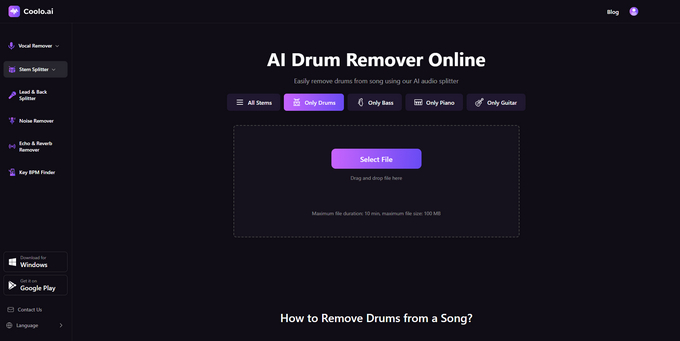
Coolo AI Drum Remover
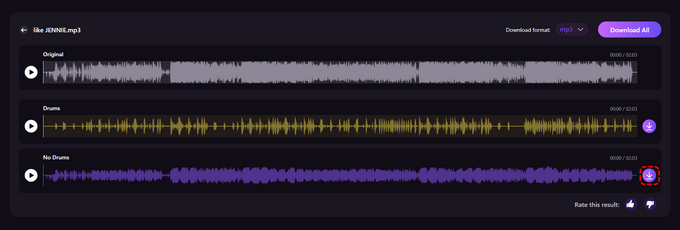
Coolo AI Drum Remover offers an easy way to separate drum tracks using AI. Just upload your audio, check the instant preview, and download a clean drumless version. Its accurate separation and low artifact levels make it ideal for rehearsals, production work, and creative remixing.
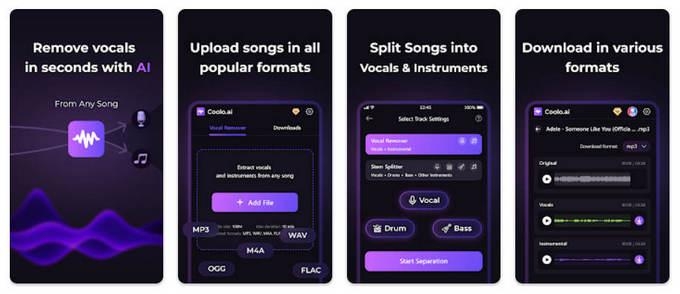
For even more flexibility, download the Coolo Drum Remover App from Google Play and enjoy all these features on the go.
How to remove drums from a song with Coolo Drum Remover:
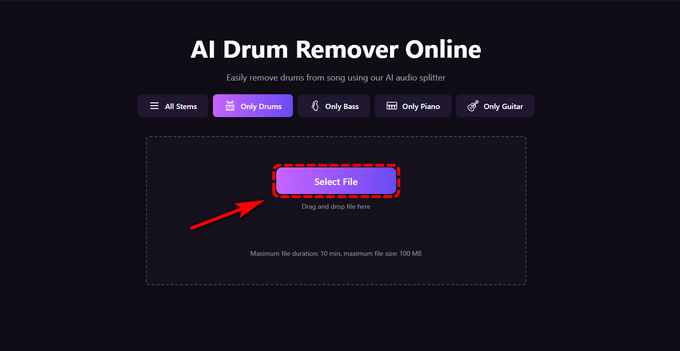
- Open the Coolo Drum Remover and click Select File to upload your audio.
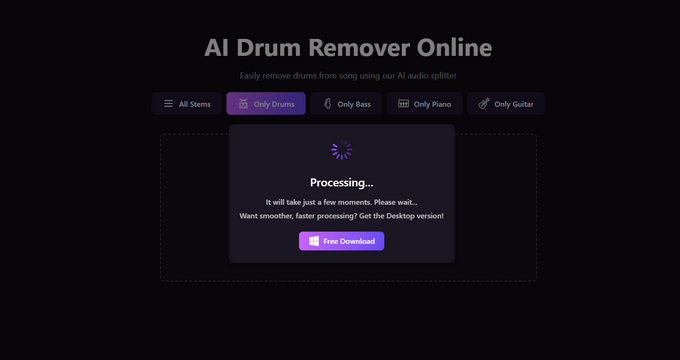
- After uploading, this tool automatically analyzes the song and removes the drum parts.
- In seconds, your track is split into drum and no-drum stems. Download them as MP3 or WAV.
Pros
- Works with MP3, WAV, M4A, FLAC, and more
- Uses advanced AI to separate drums cleanly
- Designed to be simple and easy to use
Cons
- Advanced batch features aren’t available yet
Part 2. 6 Drum Remover Apps for PC
PhonicMind
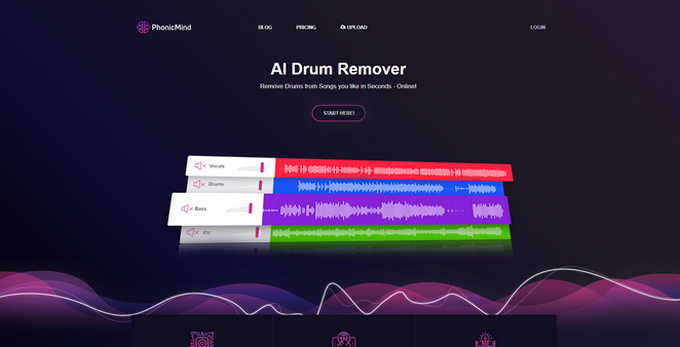
PhonicMind Drum Remover uses an advanced deep-learning model to deliver clean and reliable drum isolation while preserving the song’s groove and rhythm. It supports 4-stem extraction (vocals, drums, bass, and others) and provides both an online tool and a desktop version.
Pros
- High-quality drum isolation with accurate rhythm preservation.
- Supports 4-stem separation and offers both web and desktop tools.
Cons
- More expensive than most alternatives
- Slower processing for high-res or long tracks
Sesh Drum Remover
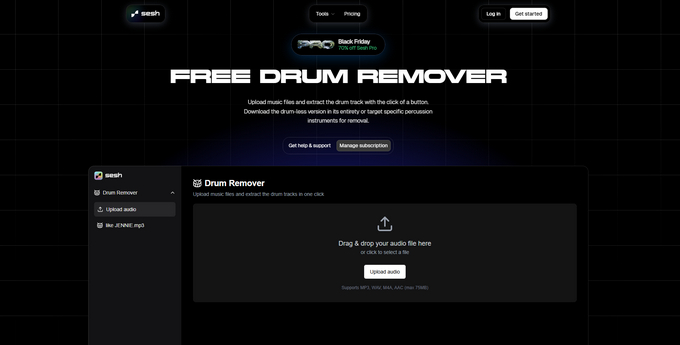
Sesh AI Drum Remover is a simple online tool that uses AI to quickly remove drums from your audio tracks. Just upload a file and download the drumless version in seconds. It doesn’t offer advanced features, but it delivers fast, reliable drum separation for practice or basic remix needs.
Pros
- Separates detailed drum stems (kick, snare, toms, hi-hats, crash, ride, etc.)
- Clean interface with solo/mute and volume controls
Cons
- Processing can take longer for multi-stem extraction
- Minor artifacts may appear on complex or noisy recordings
Vocalremover.org
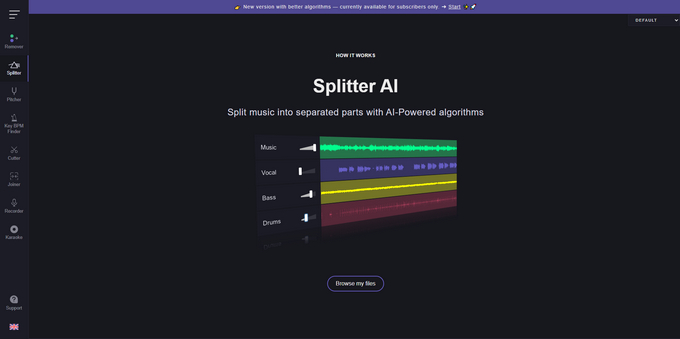
Vocalremover.org is a simple online tool that can remove drums with one click. Just upload your audio, preview the result, and download a clean drumless track. It’s fast, free to use, and great for quick practice or basic mixing needs.
Pros
- Fast, one-click drum removal with instant preview
- Browser-based tool with no login required
Cons
- Drum isolation quality can vary in complex mixes
- Limited advanced controls or customization options
LALAL.AI
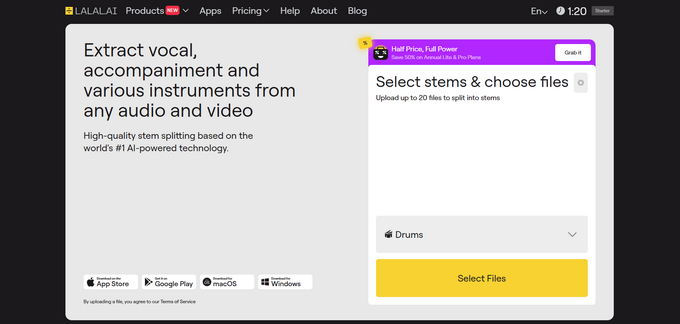
LALAL.AI is an AI-powered audio splitter that delivers high-quality drum removal as well as full stem separation. Its advanced model can isolate drums, vocals, bass, guitar, piano, synths, and more, making it useful for remixing and detailed production work. The downside is that it doesn’t offer a free trial — users must pay before downloading separated stems.
Pros
- Easy to separate vocals, drums, bass, and instruments
- Supports multiple formats like MP3, WAV, and M4A
Cons
- Complex mixes may leave artifacts or incomplete tracks
- Processing can freeze or produce missing/incorrect tracks
AudioCleaner
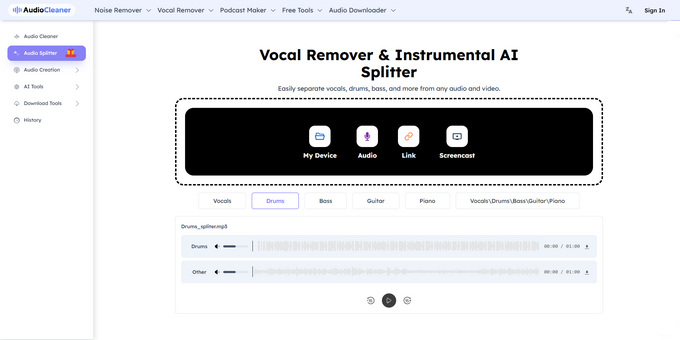
AudioCleaner provides a free platform for AI drum removal, enabling users to isolate or mute drum stems quickly. The tool supports MP3 uploads up to 8 minutes and delivers previews within seconds. Its strength lies in the simplicity and speed of drum extraction, suitable for quick remixing or practice sessions. The AI occasionally leaves minor artifacts, particularly on complex mixes, and free usage has daily limits.
Pros
- No installation required
- Produces clean drumless tracks for drummers
Cons
- Quality varies with complex or dense mixes
BandLab Splitter
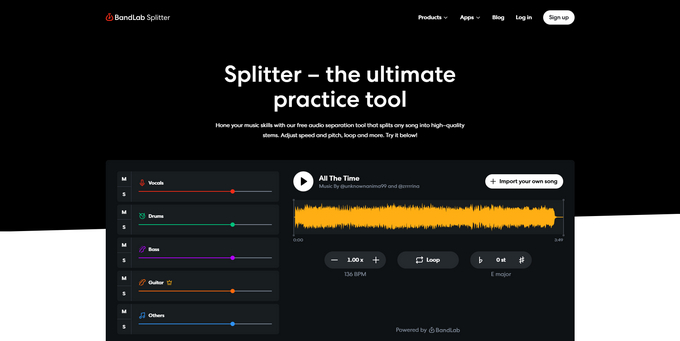
BandLab Splitter is a powerful drum remover app that lets users separate drums, vocals, bass, and instruments in just one click. With no upload limits or watermarks, it’s perfect for beginners, students, and remixers. Its seamless integration with BandLab Mix Editor allows users to instantly remix tracks, adjust EQ, or add effects right after separation, making professional-level music editing accessible to everyone.
Pros
- Easy to separate vocals, drums, bass, and instruments
- Supports multiple formats like MP3, WAV, and M4A
Cons
- Complex mixes may leave artifacts or incomplete tracks
- Processing can freeze or produce missing/incorrect tracks
Conclusion
In this article, we’ve highlighted 7 ways to remove drums from songs using online and desktop apps. Among them, Coolo AI Drum Remover App stands out for its accuracy, allowing anyone to separate or mute drum tracks with just a few clicks.
Try Coolo Drum Remover online for studio-level precision in your browser.
Coolo AI Drum Remover
Instantly Remove Drum from Song
You can also download the Coolo Vocal Remover app for PC to access even more advanced features.
FAQs
1. What is the best free AI drum remover app?
Coolo AI Drum Remover makes it easy to extract drums from any song in just a few seconds. It works directly in your browser, supports all popular audio formats, and preserves the original sound quality.
2. How to remove drums from a sample online?
Step 1. Launch the Coolo Drum Remover and upload your audio files.
Step 2. Let the AI process the track to remove the drums.
Step 3. Once complete, download either the drumless version or the isolated drum track.
3. How do I remove drums without losing vocals?
Step 1. Open Coolo AI Stem Splitter and choose Only Drums as the stem to remove.
Step 2. Upload your song and the tool will separate the track into vocals, drums, bass, and other instruments.
Step 3. Download the version without drums, while the vocal stem stays fully intact.