
6 Best Picks: AI Echo Removers for Producers & DJs
Martina Lee | Updated on 2026-08-15
Clear audio is crucial for podcasts, videos, online lessons, or music. Echo and room reflections are among the most common culprits behind recordings that sound distant. Removing echo will quickly improve audio quality, providing a better source file for post-production tasks like mixing, sound design, and editing. There are numerous ways to remove echo. Manual editing requires a high level of audio expertise, but with technological advancements, a variety of intelligent echo removers now offer fully automated cleanup.
In this guide, we’ll walk you through 6 top echo removers that deliver fast, practical workflows, share simple recording habits to cut down on echo at the source, and help you compare your options — so you can choose the perfect fit for your needs.
Contents
Part 1. Quick Technical & Practical Notes on Echo Reduction
Echo is a clear repeat of the original sound. It can make your audio sound muddy and noticeably reduce the professionalism of speech or podcast recordings.
So when cleanup is needed, using a background echo remover can detect the repeated patterns. It will remove them smoothly without over-processing your audio. With good recording habits and gentle echo reduction, you can consistently obtain cleaner, more precise results.
Part 2. 6 Best AI Echo Removers Worth Trying for You
Coolo AI Online Echo Remover
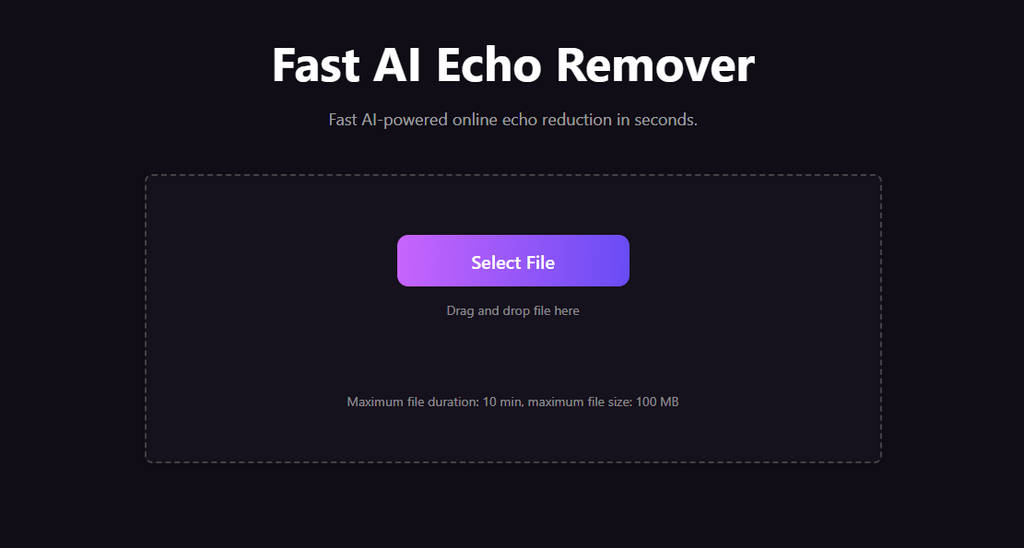
Coolo AI echo remover is built for speed and reliability, giving content creators an easy way to tidy up their audio tracks. Powered by advanced AI, it efficiently removes echo and reverb while preserving the natural tone of vocals and instruments. No downloads or technical expertise required — just remove echo from audio directly via your browser for instant use. It’s the perfect hassle-free solution for podcasters, YouTubers, and musicians looking to turn muddy recordings into crisp, professional audio.
Coolo AI Echo Remover
Remove echo from audio in one click.
How to remove echo from audio with Coolo AI?
- Visit the Coolo AI online echo remover, upload your audio to start cleaning audio. It supports MP3, M4A, WAV, and other common audio formats, offering high compatibility.
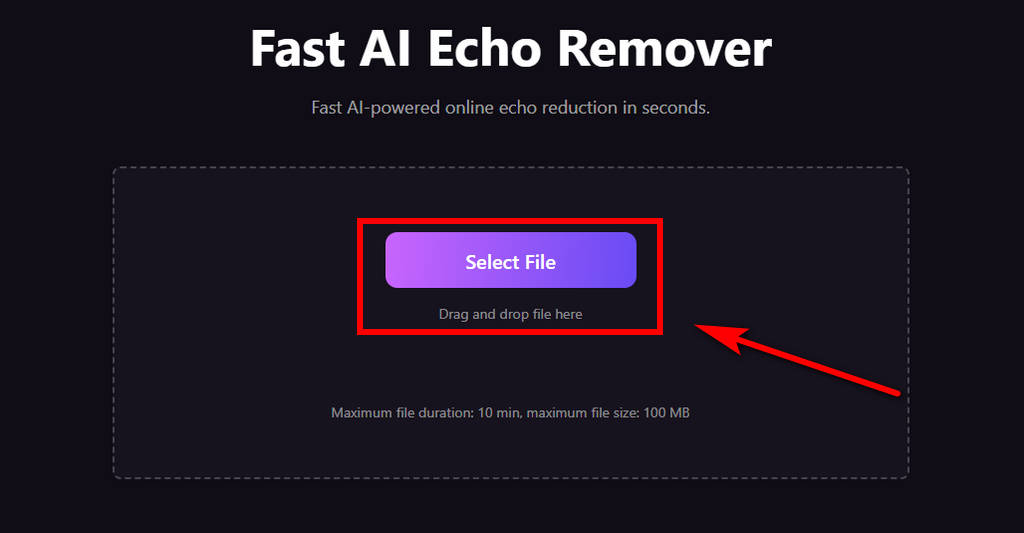
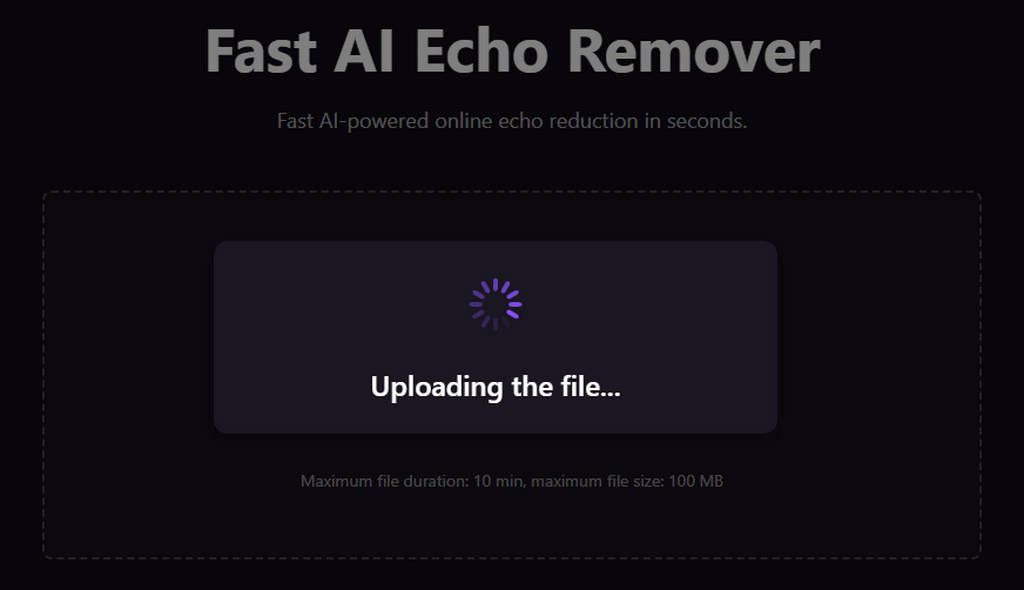
- The AI-powered tool will instantly start removing echoes from your audio.
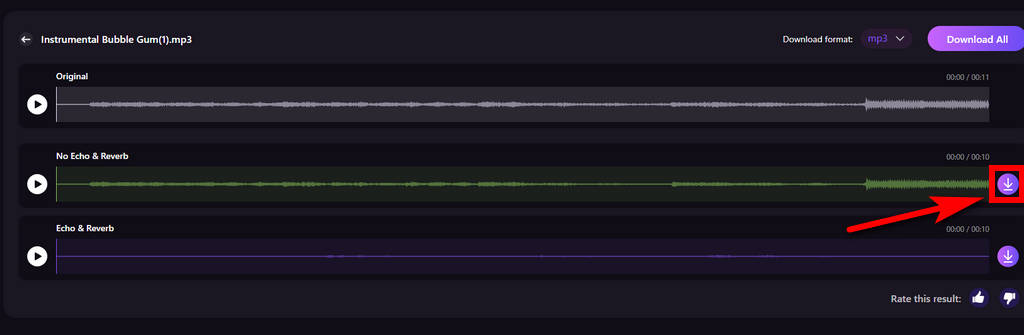
- After processing, you can preview the echo-free audio and download it to your device in one click.
Pros
- Browser-based echo remover
- Handles large audio files
- Lightning-fast background echo remover
- Remove echo without paying a cent
- Isolate vocals and instruments for superior results
- Supports multiple file formats
- Beginner-friendly interface
Cons
- Limited batch upload capacity
AnyVibe Audio Enhancer
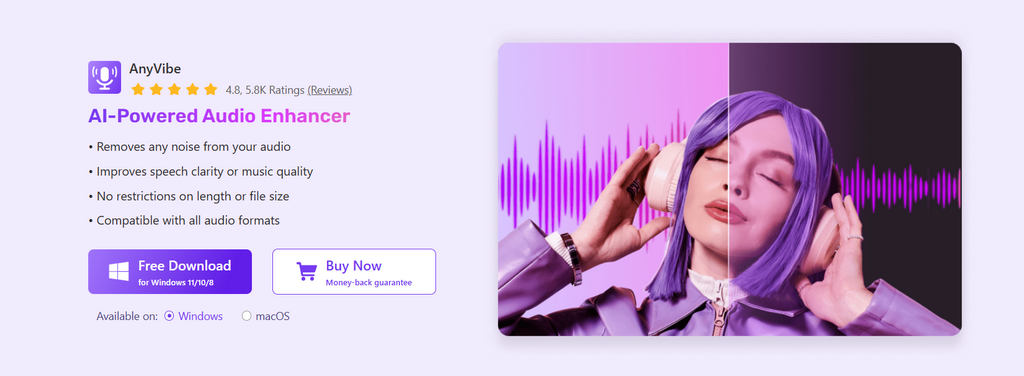
AnyVibe free audio enhancer is a simple, fast browser-based tool designed for quick audio fixes — perfect for podcasts, voiceovers, and casual recordings. It focuses on removing background noise, reducing echo, and enhancing audio clarity, all with intuitive presets that make it beginner-friendly. Its streamlined design lets you clean up audio without hassle.
Pros
- Extremely easy to remove echo
- AI-powered echo remover
- Fast processing is suitable for quick cleanups
- Supports multiple audio formats
- Clean interface for non-technical users
- Free audio cleanup
Cons
- Limited advanced controls for more features
Cleanvoice
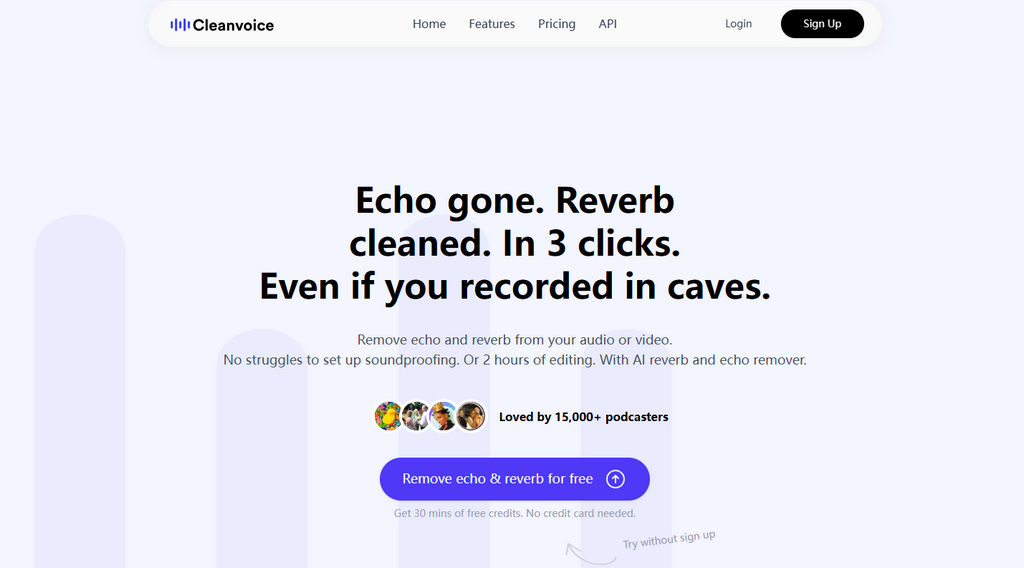
Cleanvoice is one of the most widely recognized automated voice-cleaning tools. You can batch-upload audio and video to remove noise and echo. Its automated analysis of your audio helps you obtain clean audio easily, making it popular among podcasters and long-form content creators.
Pros
- Clean up audio recording in one click
- Remove echo and other noise automatically
- Batch processing available
- Supports removing echo from video
Cons
- Most advanced features are locked behind paid plans
- Network conditions may impact analysis results
LALAL.AI
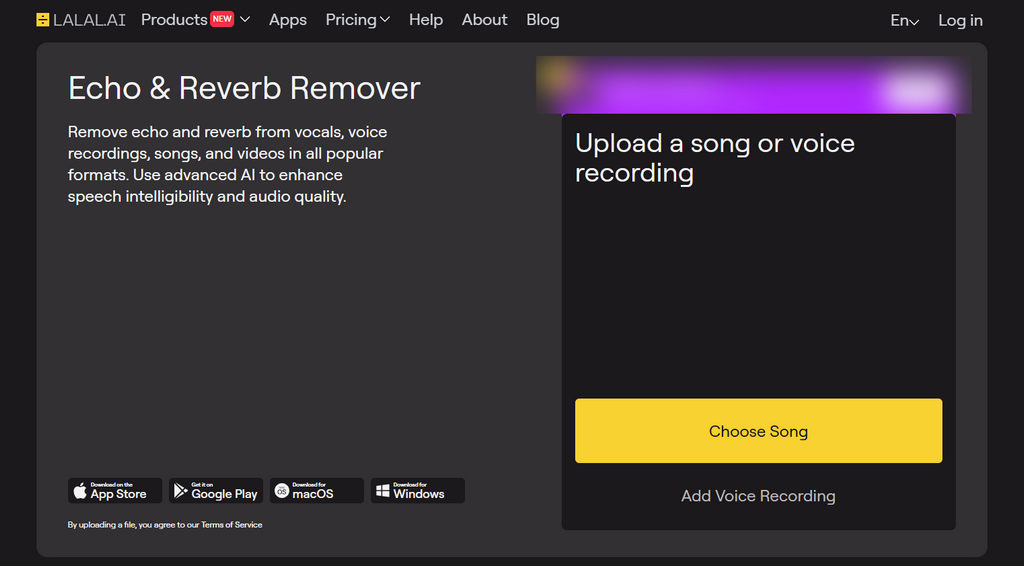
LALAL.AI is a web-based tool that uses advanced AI to remove echo and reverberation from vocals, voice recordings, songs, or video soundtracks — with support for all common audio and video formats. Whether you’re working on a podcast or recording, it helps transform muddy, echo-heavy content into clean, studio-quality sound.
Pros
- Industry-leading audio cleanup quality
- Convenient cloud-based processing
- Compatibility with all major devices
Cons
- Pop-up ads may disrupt the processing workflow
- Less suitable for a music track
Voice.ai
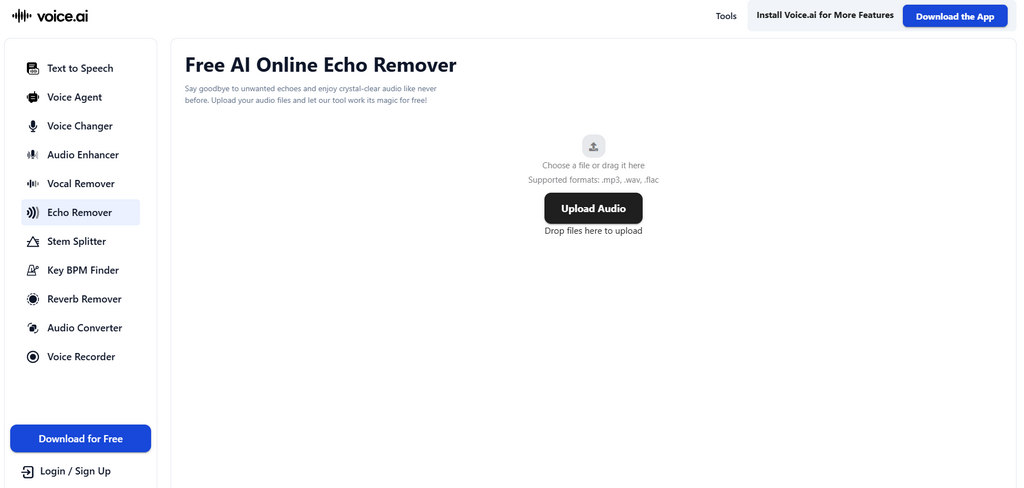
Voice.ai helps you quickly remove echoes, reverberation, and background noise from audio files — all through your browser. It supports common formats such as MP3, WAV, and FLAC so that you can upload a track, let the AI clean audio, and download a cleaner version.
Pros
- Real-time processing with AI voice models
- Blazing-fast echo reduction
- Accepts standard audio formats
Cons
- Free echo removal may have restrictions
- Requires a series of operation steps
AudioCleaner
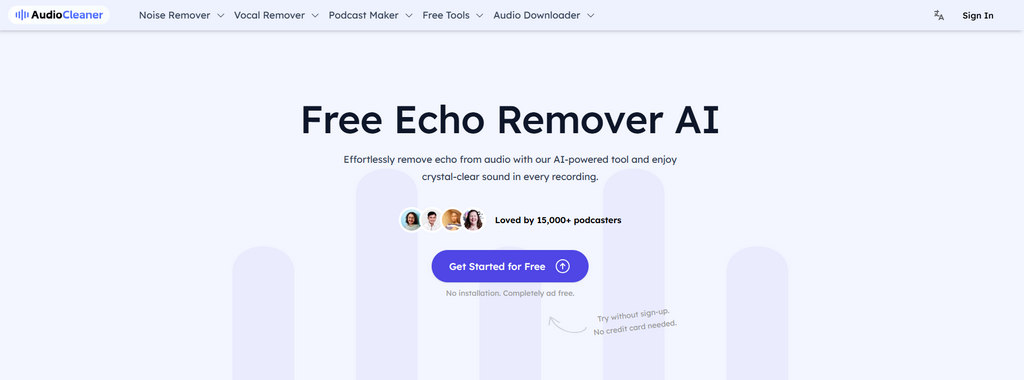
AudioCleaner is a dedicated online audio enhancement platform focused on AI audio noise reduction, echo removal, de-hum, and clarity boosting. It targets podcasters, creators, and everyday users who want polished voice recordings without complex editing.
Pros
- Suitable for voice-based audio such as speeches and podcasts
- Remove echo and other noise for free
- Easy-to-follow process
Cons
- Relatively long loading time
- Limited performance on heavy echo
Conclusion
Choosing an echo remover that fits your needs is a critical preparatory step — it streamlines your audio and material post-processing for a faster, more efficient workflow.
For creators of all skill levels, echo-free audio is easily achievable with the right online tool. Coolo AI is one of the top choices for removing echo while preserving the audio's natural tone.
Coolo AI Echo Remover
Remove echo from audio in one click.
Give it a try today and see how fast and easy it is to remove noise and echo from your audio recordings in mere clicks — download the tool on your device right away!
FAQs
1. What's the best echo remover?
Coolo AI echo remover is one of the top tools for cleaning up your audio and boosting its quality. It supports processing MP3, M4A, WAV, and other major formats — no conversion required. Simply upload music tracks, podcast segments, live recordings, and other audio files here to get high-quality, echo-free audio.
2. Is there a free echo remover for beginner users?
Absolutely! Coolo AI offers you a free way to remove echo from audio online. With its clean interface and simple operation steps, you can easily download your de-echoed audio.
3. Can I remove echo from podcast recording?
Of course! You can upload podcasts, music, lecture recordings, or any other audio files to Coolo AI and start removing echo right here. It’s designed to help you upgrade your content while making dialogue more straightforward, warmer, and more professional.
4. Is there an online tool to remove echoes from my music?
Yes. Coolo AI free echo remover works directly in your browser. Upload your track, let the AI analyze the reflections, and download a cleaner, more polished version.