
How to Make a Karaoke Song Online (4 Simple Ways)
Martina Lee | Updated on 2026-08-19
If you’ve ever wanted to sing your favorite songs without vocals, you might have considered going to a karaoke bar or booking a private room. While those options are fun for social events, they’re not always convenient or affordable if you just want to practice or create content.
Today, it’s much easier to make a karaoke song online using AI tools. Instead of relying on pre-made tracks or going out to karaoke venues, you can create your own karaoke version at home in minutes.
In this guide, you’ll learn what a karaoke song is, how it compares to traditional karaoke options, and how to make a karaoke song using four simple methods step by step.
Contents
Part 1. What Is a Karaoke Song?
A karaoke song is a version of a track with the vocals removed, leaving only the instrumental. Some versions also include on-screen lyrics, but the main idea is to isolate the music so you can sing along. Karaoke tracks are commonly used for singing practice at home, parties, and small gatherings. Today, most are created using AI vocal removal rather than manual audio editing.
Part 2. Karaoke Bars vs Making Karaoke Songs with AI
Many people enjoy going to karaoke bars or private karaoke rooms, often called karaoke lounges, to sing with friends in a lively and social setting. These venues usually offer large song libraries and professional equipment, such as microphones. However, they also come with some limitations, such as the need to travel and make reservations, rising costs from hourly fees, food, and drinks, and a limited song selection from their catalog.
In contrast, using an online AI karaoke maker offers much greater flexibility for hosting karaoke at home. You can create a karaoke version of almost any song, practice anytime at home, and eliminate the need for reservations and reduce costs. With AI processing, results are generated instantly, making it a more practical choice for many people, especially content creators and learners.
Coolo AI Online Karaoke Maker
100% free vocal removal
Part 3. 4 Simple Ways to Create Karaoke from Song (Step-by-Step)
Here are four reliable ways to make a karaoke song online, with step-by-step instructions and key differences.
Coolo AI Karaoke Maker (Best Overall)
Coolo AI karaoke maker is a free online tool that lets you quickly create karaoke versions of songs by removing vocals. You can upload any audio file and download a clean instrumental track for singing, practice, or content creation.
Beyond basic vocal removal, it also includes a lead and backing vocal splitter, giving you more control over different vocal layers. The tool is optimized to keep the background music natural and high-quality, and everything runs directly in your browser with no installation required.
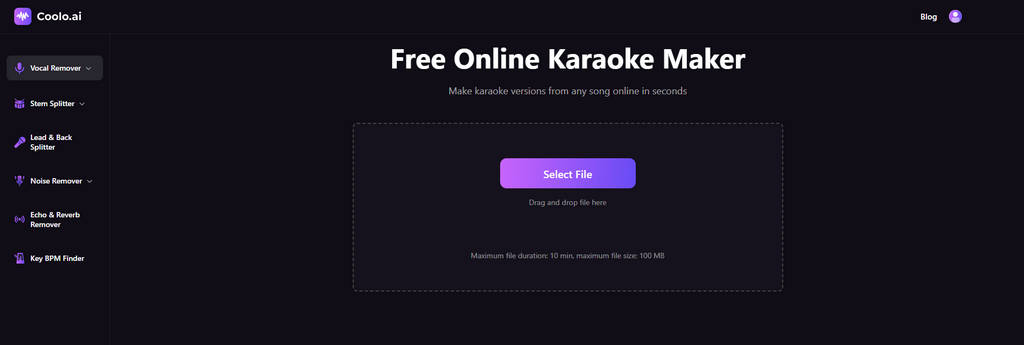
How to make a karaoke song with Coolo?
- Go to the Coolo AI karaoke maker and upload music audio from your device. The platform supports most popular formats, so you can start right away without converting files.
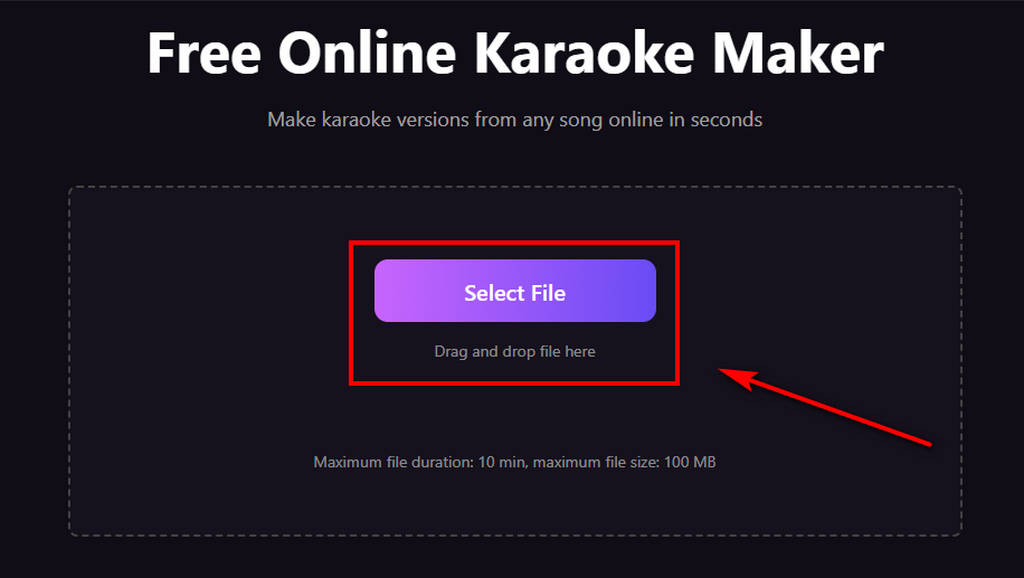
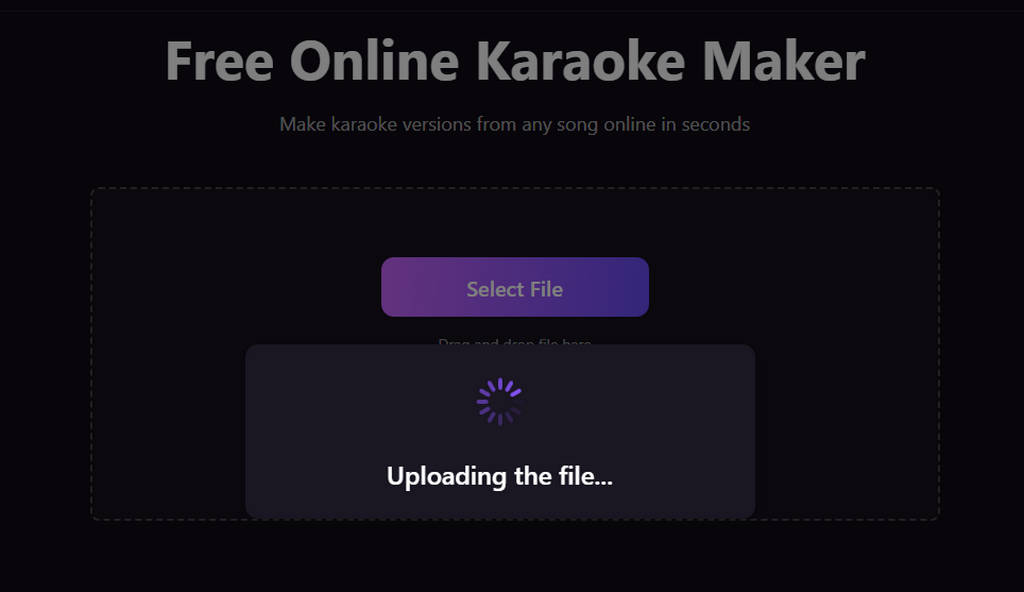
- After uploading, the system automatically analyzes your track and removes the vocals. This usually takes just a few seconds.
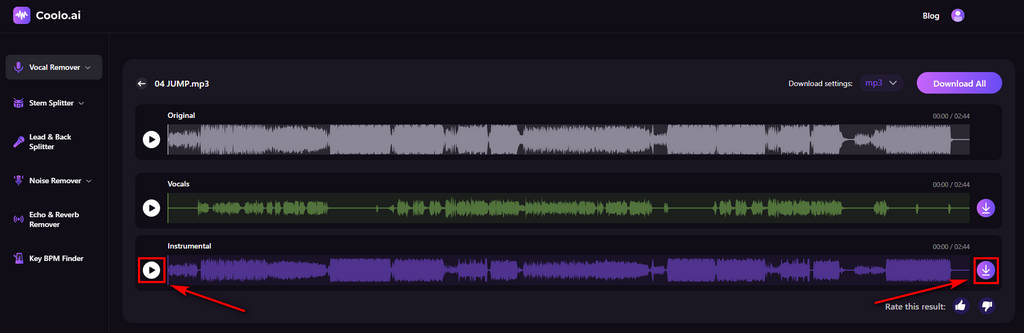
- Once the processing is complete, you can listen to the instrumental version. If it sounds good, download the file and use it as your karaoke track.
PhonicMind
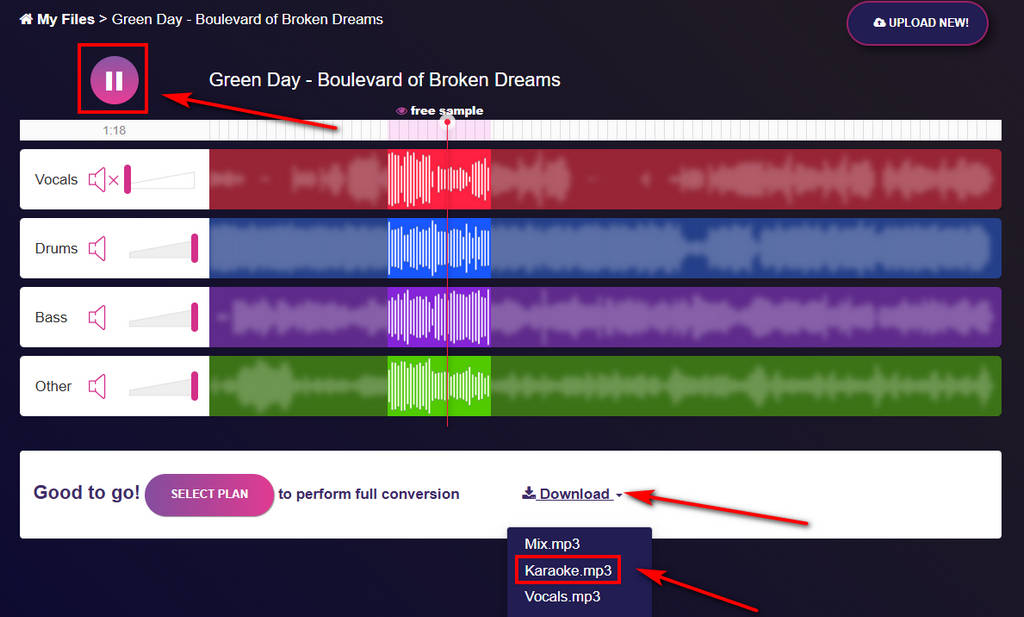
PhonicMind separates music into vocals, drums, bass, and other instrumental elements. When downloading, you can choose either individual stems or the full instrumental track, depending on your needs. Its functionality is relatively simple, making it well-suited for users with basic karaoke needs.
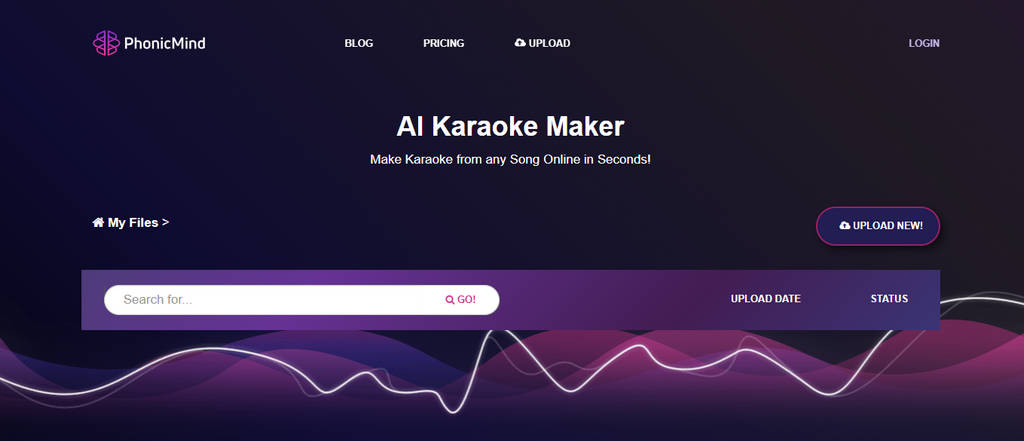
How to make a song into karaoke with PhonicMind?
- Click the “Upload New” button to upload your audio file directly to the platform.
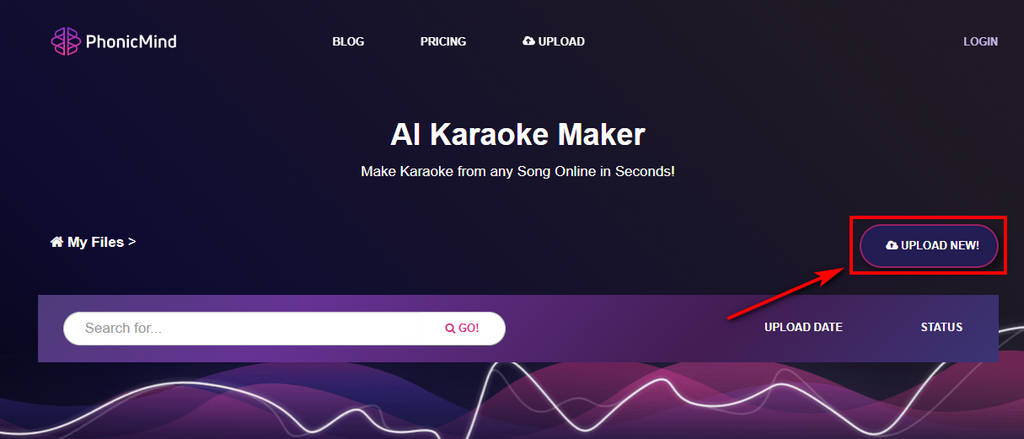
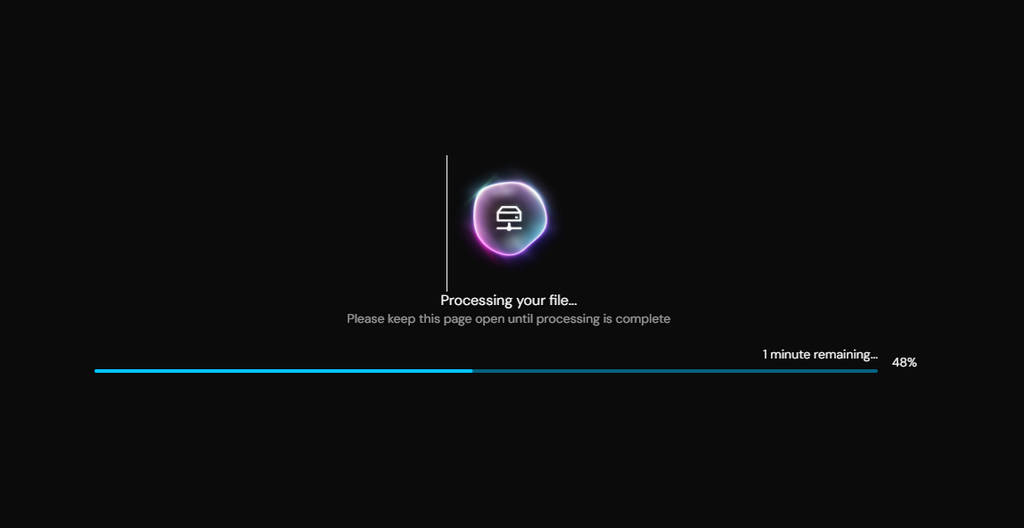
- After uploading, the system processes the track and separates it into vocals and instrumentals.
- Listen to a preview of the separated tracks. You can download the 30s karaoke version or purchase credits to download the full version to your device.
MyEdit
MyEdit offers a broader set of audio editing tools, including a vocal remover for creating karaoke tracks. It provides a simple way to turn songs into karaoke tracks while also offering other editing options in the same workspace.
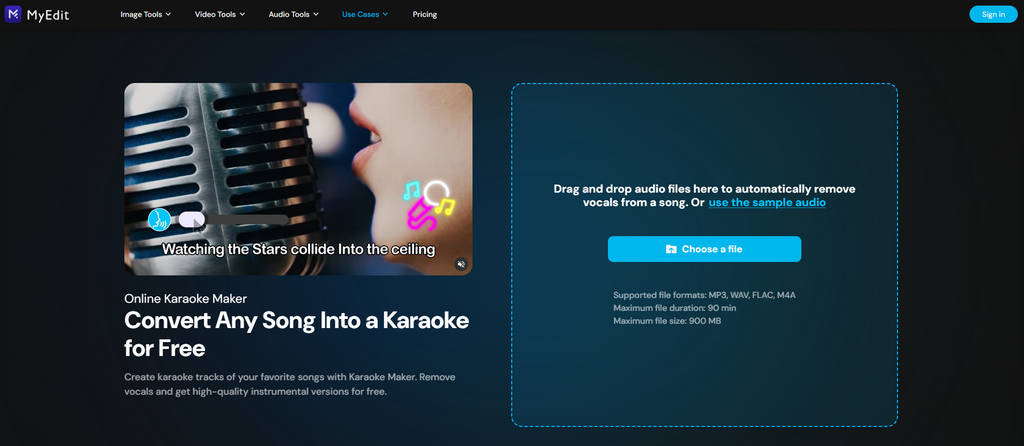
How to do karaoke at home with MyEdit?
- Upload your audio file through the browser interface.
- The system will process your audio and generate an instrumental version.
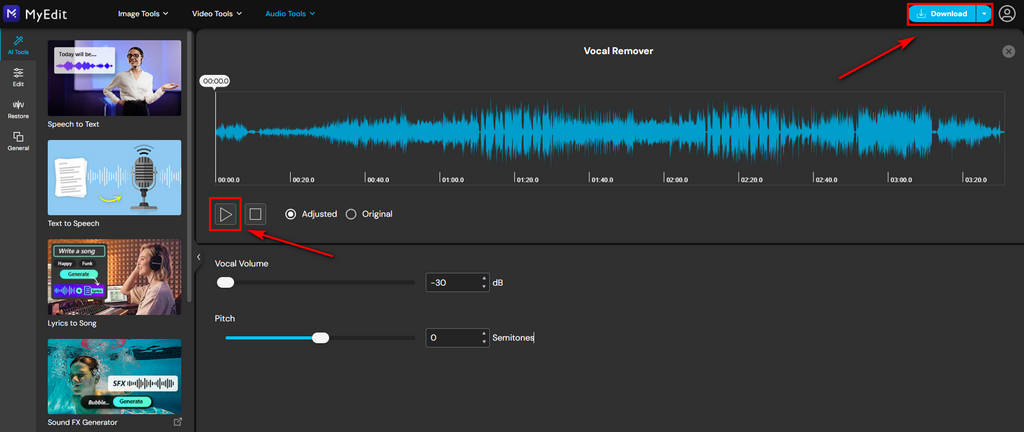
- Play the result and download the karaoke track. You can also adjust the vocal volume and pitch to sing along.
MusicCreator
MusicCreator offers an AI vocal remover that makes it easy to create karaoke tracks quickly. Its simple interface helps first-time users get started without difficulty. You can also choose different modes based on your needs. While it requires a login, it lets you store some of your music in the cloud for convenient access later.
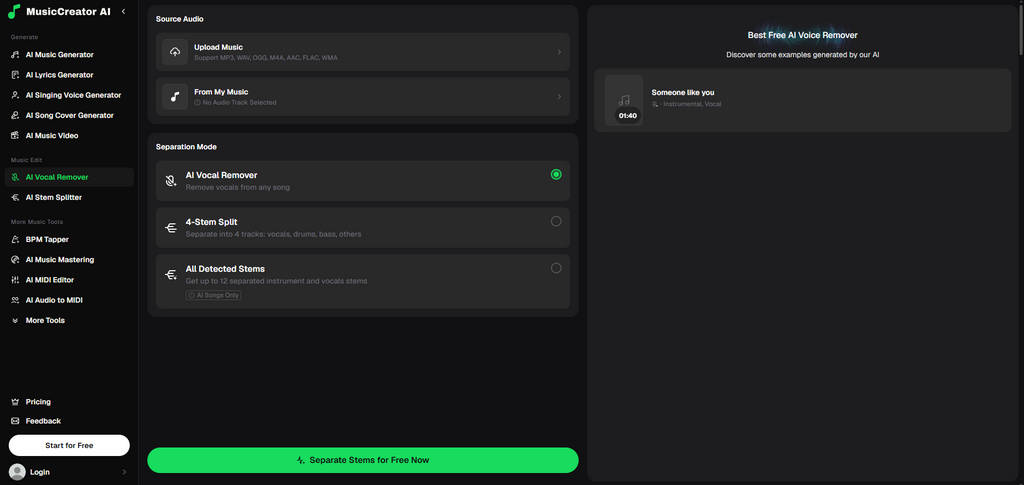
How to create a karaoke track with MusicCreator?
- Click the Upload Music button and choose the separation mode for your music.
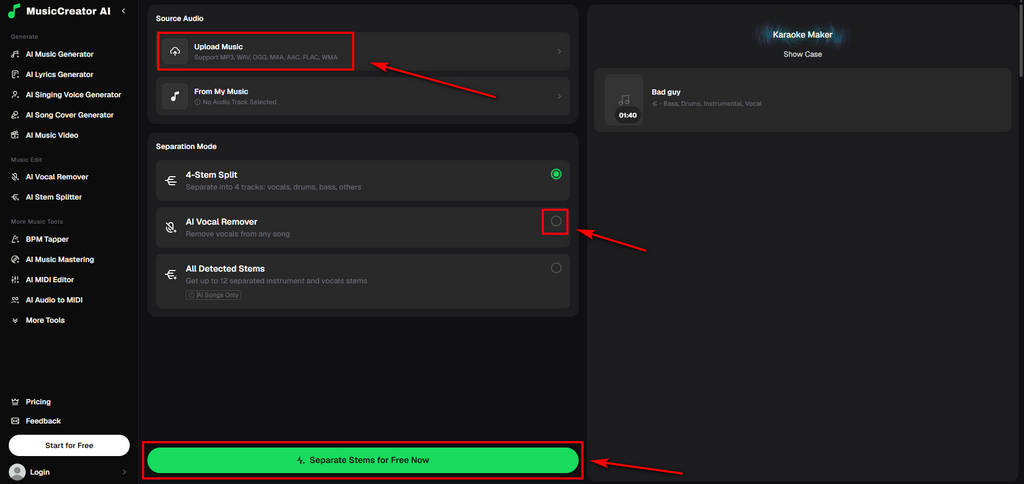
- Then wait for the AI to analyze and process your music.
- After processing, you can listen to the output and download the final track.
Conclusion
Whether you’re practicing at home or creating content, learning how to make a karaoke song is now easier than ever.
Instead of relying on karaoke bars or limited song libraries, you can create your own tracks online with AI tools in just a few steps. Each tool we covered offers a slightly different experience, but all of them make the process more accessible.
If you want a simple and flexible way to get started, Coolo AI karaoke maker is one of the most practical and beginner-friendly options available today.
Coolo AI Online Karaoke Maker
100% free vocal removal
FAQ
1. Can I make a karaoke song for free?
Yes, you can make a karaoke song for free by removing the vocals from a track. It's easy to turn your favorite songs into karaoke versions.
2. What is the easiest way to make a karaoke song?
Coolo AI provides one of the easiest AI karaoke makers for you to create karaoke tracks easily. It automates the entire vocal removal process quickly.
3. How to make a karaoke song with AI?
Step 1. Upload your song to the Coolo AI karaoke maker.
Step 2. The AI automatically separates the audio into vocals and instrumentals in a few seconds.
Step 3. Preview the instrumental and download the karaoke track.
4. Is making karaoke songs legal?
It depends on how you use the output. Creating karaoke songs for personal use, such as practicing or singing at home, is generally fine. However, if you plan to use them commercially, such as for public performances, live streaming, or monetized content, you may need proper licenses from the copyright holders, including both the music and the original recording.