
How to Remove Lead Vocals from a Song (Easy Guide)
Martina Lee | Updated on 2026-08-14
As a music producer or DJ, you may need clean instrumentals to craft new tracks. If you’re a music learner or karaoke lover, removing lead vocals from songs makes it easier to pick up on the tone and sing along.
For content creators, vocal removal also comes in handy for making reaction videos, tutorials, or cover versions — all without copyright concerns. In the past, isolating or removing vocals required costly software and professional skills. But thanks to modern AI-powered vocal splitters, anyone can now remove lead vocals in seconds — right from a web browser.
In this guide, we’ll show you how to remove lead vocals from a song easily using the best online vocal removers of 2026.
Contents
Part 1. What’s Lead Vocals?
Lead vocals refer to the main voice in a song — the primary melody line sung by the leading performer. This is what listeners typically focus on, as it carries the song’s emotional and lyrical essence.
Behind the lead vocals are backing vocals, harmonies, and ad-libs that support and enrich the track. When you remove lead vocal from track, you’re isolating or muting that leading voice, leaving behind instrumentals, background harmonies, or other elements for remixing or karaoke use.
Modern lead vocal removers analyze frequency and audio patterns to accurately separate lead and backing vocals without noticeable loss of sound quality.
Part 2. How to Remove Vocals from a Song with Online Tools
Coolo AI Lead & Back Vocal Splitter
Coolo AI lead and back vocal splitter is an advanced online audio tool powered by deep-learning algorithms. You can upload MP3, WAV, or M4A files, and the AI will process them automatically without requiring format conversion. Meanwhile, the vocal isolation feature helps you extract audio for instruments like piano, drums, and guitar.
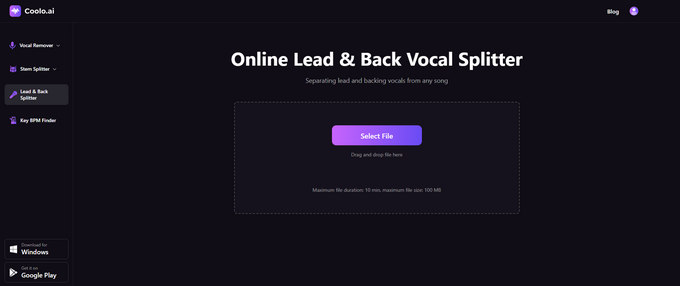
How to remove lead vocals from a song with Coolo AI?
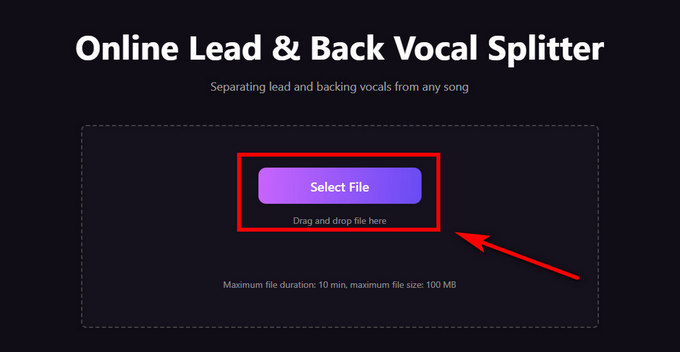
- Visit the Coolo AI online lead remover. Click Select File to choose and upload your song.
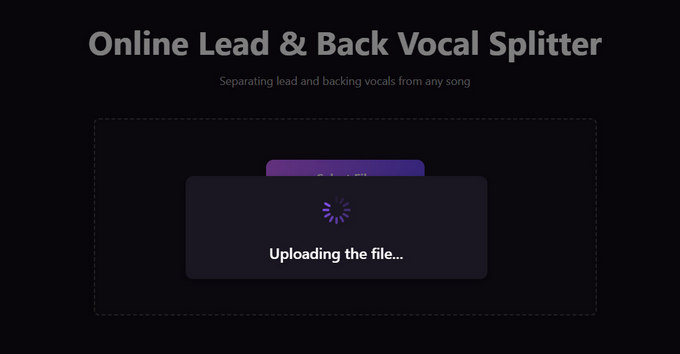
- The advanced tool automatically removes lead vocals from songs online — this takes just a few seconds.
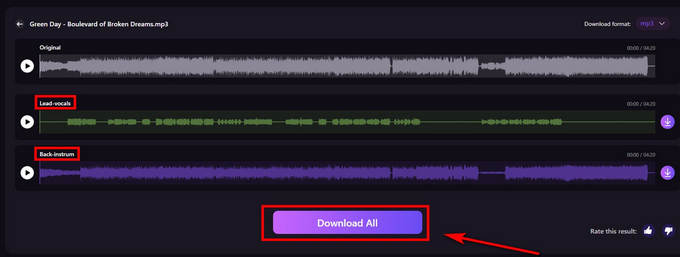
- Once splitting is done, click the Download All button to save the lead vocals and backing instrumentals.
Pros
- Accurate separation of lead and backing vocals
- Supports MP3, WAV, M4A, and FLAC formats
- Fast, browser-based processing
- Batch upload supported
- Simple and intuitive interface for beginners
Cons
- Requires a stable internet connection
Coolo AI Online Vocal Remover
100% vocal and instrumental isolation
EaseUS Online Vocal Remover
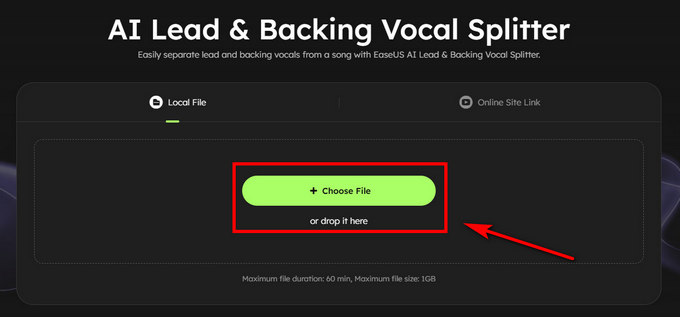
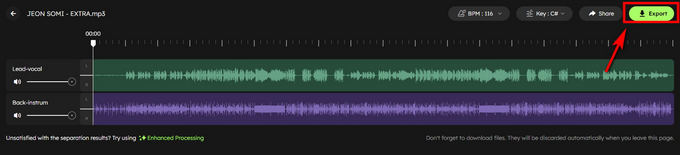
EaseUS provides a reliable, beginner-friendly lead & back vocal splitter that works directly in your browser. It uses AI to isolate vocals from background harmonies with a single click. Users can preview results instantly before downloading, making it convenient for quick edits and testing.
How to remove lead vocals from a song with EaseUS?
- Click the Choose File button or drop your file in the online vocal remover.
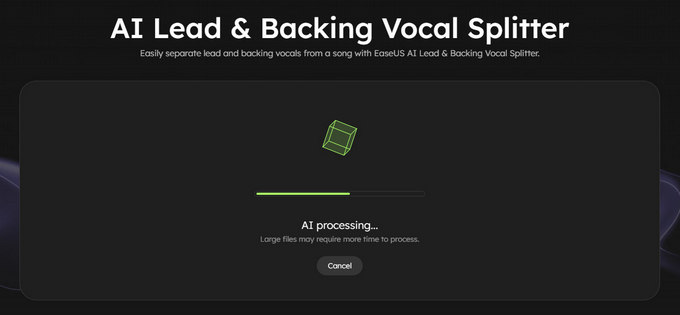
- Wait for AI processing, then isolate your music into lead and backing vocals.
- Click the Export button to save the lead and back vocals audio.
Pros
- Clean interface
- Instant AI processing
- Real-time preview available
- No software installation required
Cons
- Processing speed may vary with file size
- Limited on file duration and size
UVR Online
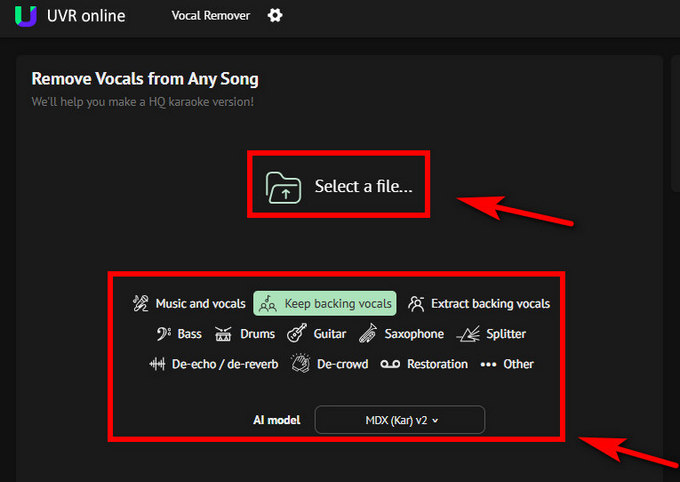
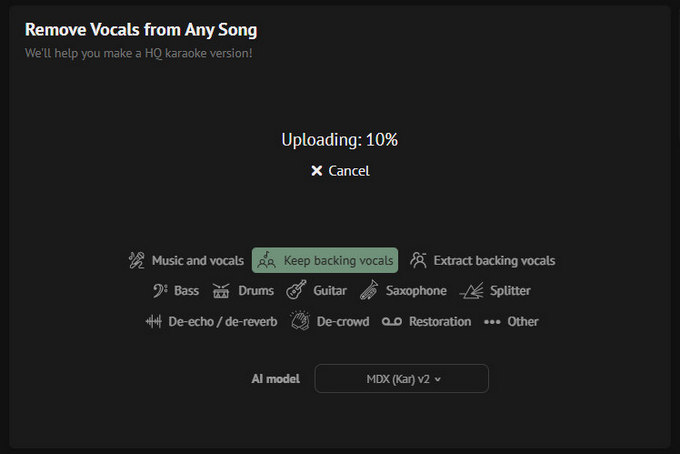
UVR Online is a web-based version of the Ultimate Vocal Remover App. It offers various AI models to remove lead vocals, bass, drums, or guitar, improving audio quality. Advanced users can adjust model settings for pitch, tempo, volume, and more precise results.
How to separate music from vocals with UVR Online?
- Choose the AI model to remove lead vocals and keep background vocals. Then you can select your audio file.
- Wait for the upload and start processing the file.
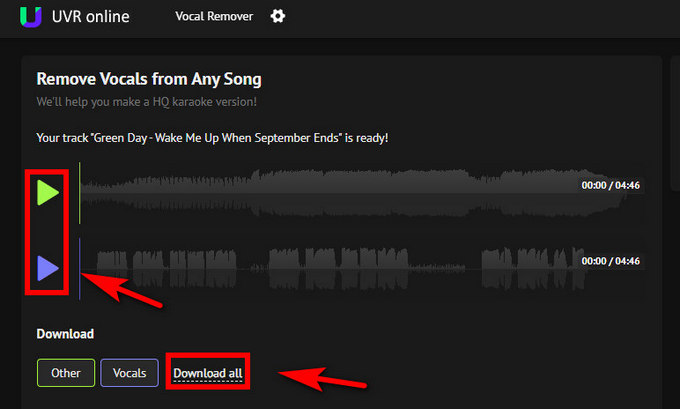
- Preview the lead and instrumental audio and download them to your device.
Pros
- Multiple AI models for different vocal types
- Free to remove vocals from a song
- Ideal for experienced users
- Available for changing pitch or tempo
Cons
- The interface may feel complex for beginners
- Processing may take longer for large files
VocalRemover.org
VocalRemover.org offers a simple, free way to remove lead vocals from audio directly in your browser. It’s perfect for quick karaoke creation or vocal extraction. After uploading a file, you'll get clean instrumental and vocal audio within seconds. You can easily download your desired audio tracks and start editing them.
How to remove lead vocals from songs with VocalRemover.org?
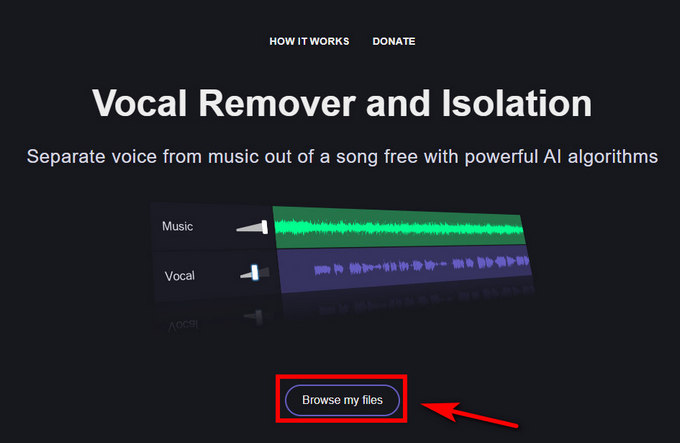
- Click the button to browse your files, and you can choose the exact music audio you want.
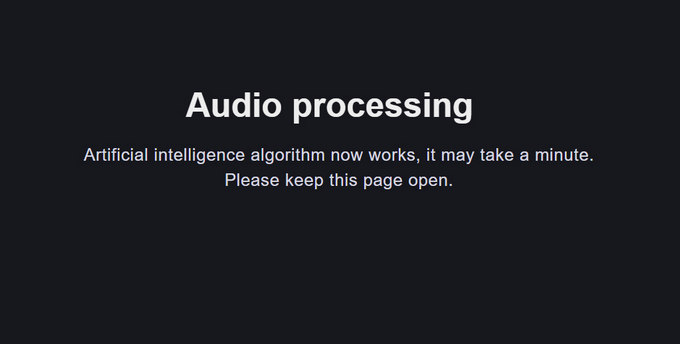
- The AI system will process your audio, and this process may take a moment.
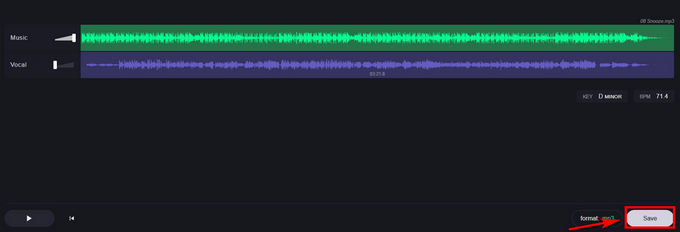
- You can preview the isolated music and vocal audio. If satisfied, click the Save button and download them easily.
Pros
- 100% free vocal remover
- Fast vocal isolator for music and content
- Works on all browsers and devices
Cons
- No batch processing option
- Requires a stable internet connection
Conclusion
How to remove lead vocals from a song is a common question — and if you’re after an easy, accurate way to do it, AI tools now make this possible for anyone, no studio skills or editing experience required.
Among these online tools, Coolo AI vocal splitter stands out as the most comprehensive and user-friendly option. It supports multiple file formats and separates both lead and backing vocals with impressive clarity.
So whether you’re creating karaoke tracks, remixes, or clean instrumentals, Coolo AI lead and backing vocal splitter also helps you get professional results in just a few clicks.
Coolo AI Online Vocal Remover
100% vocal and instrumental isolation
Download it on your phone or computer, and you’ll get the exact audio you need faster and more conveniently, anytime, anywhere.
FAQs
1. Who's the best lead vocal extractor?
Coolo AI lead vocal remover is one of the best tools. You can isolate your audio into bass, drum, guitar, and other stems online.
2. How to remove lead vocals from a song?
1.Go to Coolo AI lead vocal remover and click Select File to upload your song.
2.Wait for the auto AI voice isolation for a few seconds.
3.After splitting, click Download All to save vocals and instrumentals.
3. What audio formats do vocal extractors support?
Most support MP3, WAV, and M4A. Coolo lead and back vocal separator also supports FLAC and allows long-duration uploads.
4. Can I remove lead vocals from songs for free?
Yes, Coolo AI lead vocal remover helps you separate vocals for free. There is no sign-up or software download required, you can obtain the audio you want.