
Fix Room Reverb Fast: The 4 Best Reverb Removers
Martina Lee | Updated on 2026-08-15
When reflections bounce around hard walls or untreated rooms, your audio takes on a hollow, distant quality that distracts listeners. Podcasts lose their intimate feel, music loses its fine details, and spoken content sounds less polished. Removing reverb from audio helps your sound regain clarity, presence, and warmth — essential qualities for modern creators.
Thankfully, cutting-edge AI audio technology has made this process easier than ever. You no longer need studio acoustics, today’s reverb removers can analyze your audio and strip away room reflections in seconds.
This guide highlights four leading reverb removal tools, with Coolo AI online reverb remover taking first place for its powerful, effortless reverb reduction.
Contents
Part 1. Reverb vs. Noise: Why They’re Not the Same Problem
Reverb and noise are often confused, but they’re very different audio issues. Noise is simply a steady, unwanted background sound, like hiss, hum, or passing cars, that stays constant in the audio. Reverb, however, comes from your environment. It’s created when your voice bounces off walls and other surfaces, making the audio sound distant or echoey.
Because noise is predictable, traditional noise reduction can filter it out. Reverb isn’t as simple — it blends into the voice and lingers after each word. That’s why removing reverb requires specialized processing, often AI-based, to separate the direct voice from its reflections without harming sound quality.
Part 2. 4 Best AI Reverb Removers for Clean, Professional Audio
Coolo AI Online Reverb Remover
Coolo AI free reverb remover offers a AI-powered de-reverb service directly in your browser. With deep-learning models trained on real-world recordings, it can automatically detect and reduce reverb while preserving the original voice's naturalness and clarity. It supports standard formats such as MP3, WAV, M4A, FLAC, and more, making it suitable for creators who want fast and straightforward audio cleanup.
Coolo Al Reverb & Echo Remover
Remove reverb & echo from audio in one click.
How to remove reverb from audio with Coolo AI?
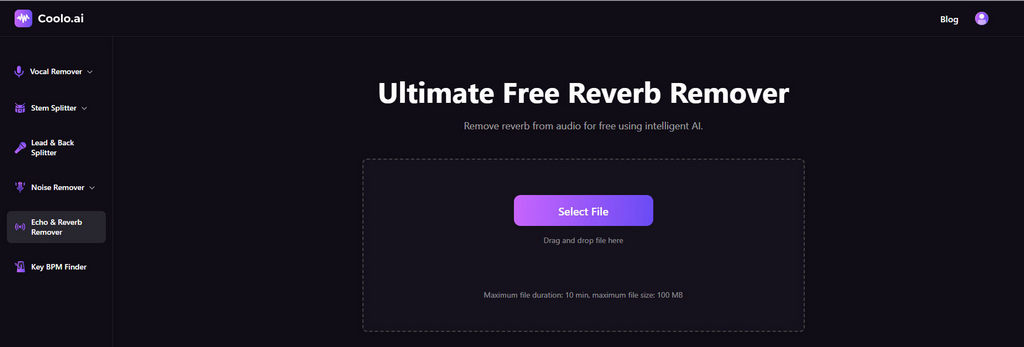
- Visit the Coolo AI free online reverb remover and upload your audio to begin cleaning. It supports MP3, M4A, WAV, and other standard formats for maximum compatibility.
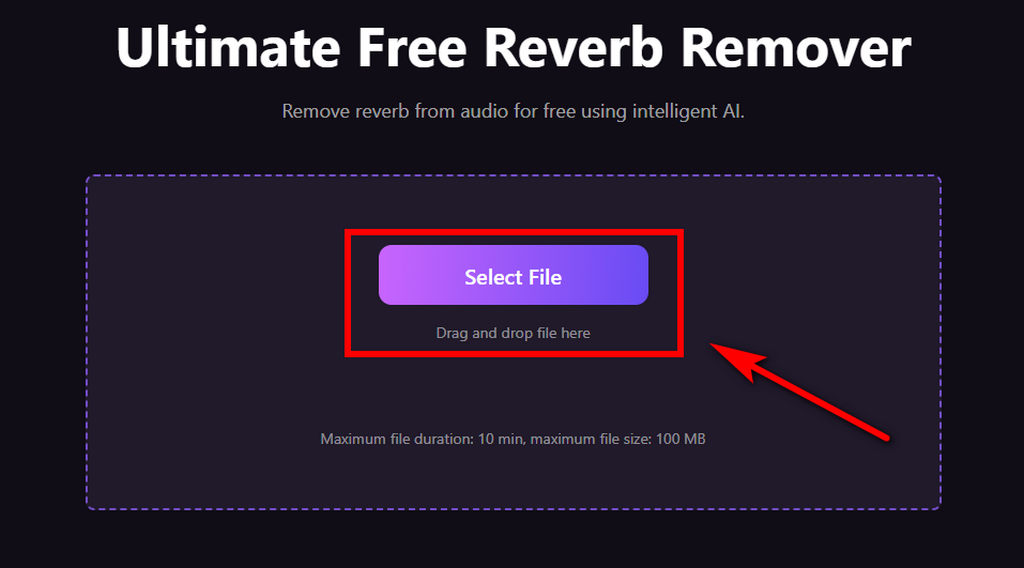
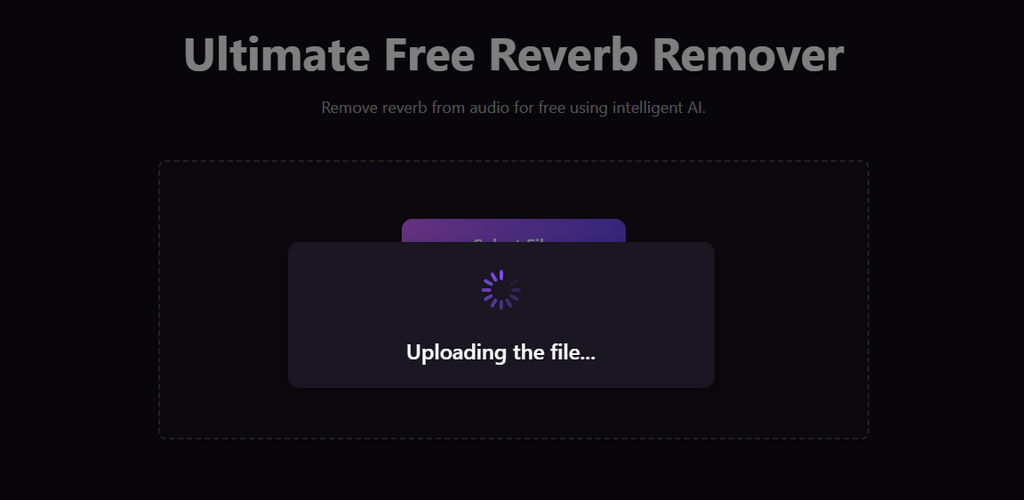
- The AI will automatically analyze your file and reduce reverb online.
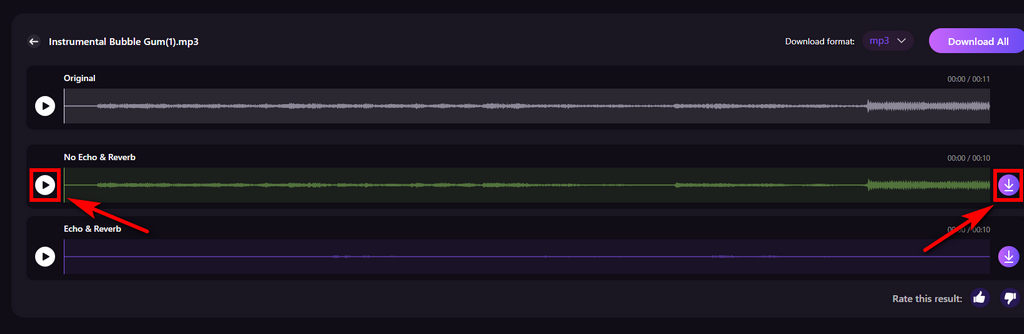
- Once the processing is complete, preview the de-reverb audio and download it to your device with a single click.
Pros
- 100% free reverb and echo remover
- Precisely reduces reverb and echo
- Supports MP3, WAV, M4A, and FLAC
- No upload limits
- Real-time preview available
- Simple, ad-free interface
Cons
- Advanced batch features aren’t available yet
AudioCleaner
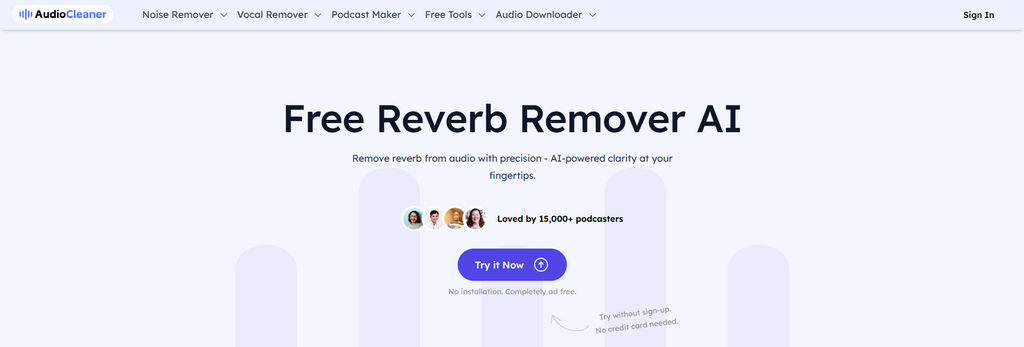
AudioCleaner provides a one-click AI solution for removing reverb from audio and video files. Its goal is simplicity: upload your file, let the AI process it, and download a cleaner version in seconds. It’s ideal for beginners, content creators, and users who want basic cleanup without dealing with complex settings.
Pros
- Easy to reduce reverb online
- Works with audio and video formats (MP3, WAV, MP4, MOV, etc.)
- Supports all devices
- Fast output processing
Cons
- May struggle with heavy or complex reverb situations
- Premium features require a paid subscription
LALAL.AI
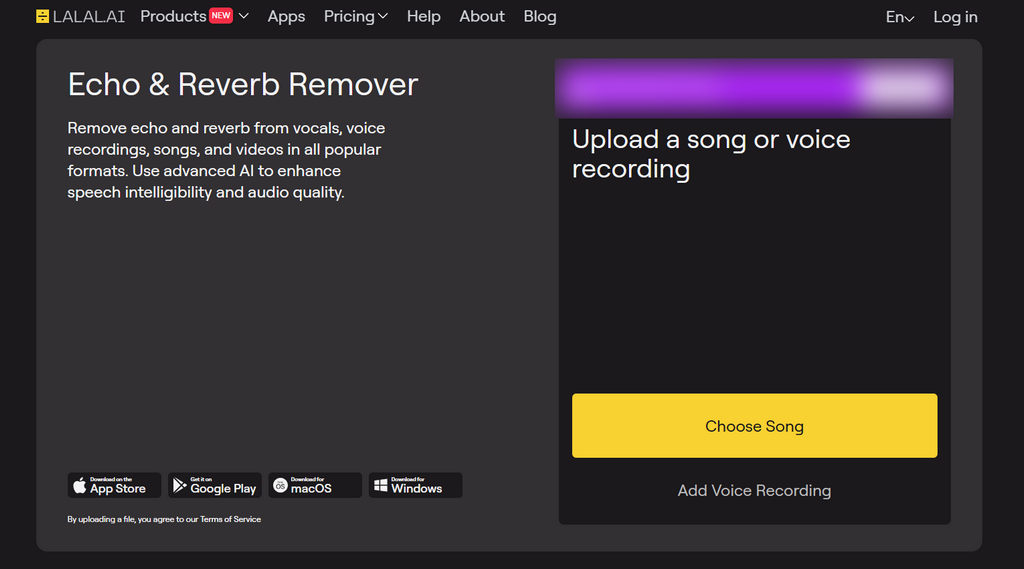
LALAL.AI is renowned for its powerful AI-driven vocal and music separation tools. It also offers a reverb remover that eliminates reflective noise from your audio. Compatible with both audio and video files, this tool excels at processing vocals — making it an ideal choice for singers, podcasters, and voice-focused creators.
Pros
- AI-powered reverb reducer online
- Also supports analysing video
- Adjustable processing strength and modes
- Ideal for vocal and speech recordings
Cons
- Optimized for vocals only
- The free version has limited minutes
Adobe Premiere Pro
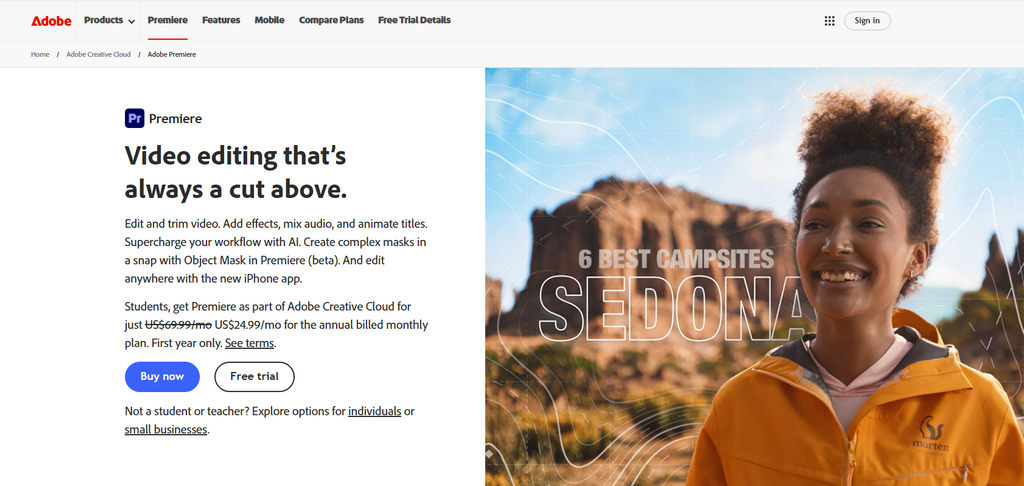
Adobe Premiere Pro is a professional video-editing program with built-in audio repair tools, including the “Reduce Reverb” option. It offers flexible adjustments, ideal for editors working with interviews, dialogue, voiceovers, or video projects that require audio cleanup, without switching to another tool.
Pros
- Integrated into the video-editing workflow
- Offers detailed reverb reduction controls
- Works with other audio effects like DeNoise, EQ, and compression
- Analyzes audio more professional
Cons
- Requires a learning curve for new users
- Exclusive paid subscribers
Conclusion
You don’t need a treated studio to get professional audio. With today’s AI reverb removers, even recordings captured in crowded rooms can be restored with impressive clarity.
Coolo AI reverb reducer makes this process especially simple — upload your file, choose a mode, and let the AI handle the rest. The result is clean, natural audio that’s ready for podcasts, music, voiceovers, and any content creation. Try our online reverb remover right now!
Coolo Al Reverb & Echo Remover
Remove reverb & echo from audio in one click.
If you want faster, more stable results, you can download Coolo AI and enjoy more features.
FAQs
1. How does the reverb remover work?
Our reverb remover is powered by advanced AI technology. It can automatically analyze your audio without setup or professional skills.
2. What’s the best reverb remover for voice?
Coolo AI is excellent for spoken audio because it preserves natural vocal tone while removing reflections.
3. Is there a free AI reverb remover?
Yes! You can completely remove reverb from audio for free with our AI tool. It’s a simple, convenient way to help you get clean audio for remixes, editing, listening, and more.
4. Can I remove reverb from audio on a computer?
Of course. With our high-compatibility Coolo AI reverb remover, you can analyze and clean your audio on any computer. Upload your file, let the AI process it, and download a clearer, reverb-free version within seconds.
5. How to reduce reverb in audio?
1. Upload the audio to the Coolo AI reverb remover online.
2. Wait for the AI to analyze your file automatically.
3. Preview and export your de-reverb audio.
6. Can I upload M4A format?
Absolutely! Whether it’s the widely used MP3 format or studio-grade WAV files, you can upload them to the Coolo reverb reducer and start processing in just one click.