
Top 4 Online AI YouTube Vocal Removers in 2026
Martina Lee | Updated on 2026-08-16
Removing vocals from YouTube songs has become increasingly popular among singers, content creators, and music enthusiasts. Whether you want to create karaoke tracks, practice vocals, or remix music, a reliable YouTube vocal remover can make the process much easier.
As AI-powered audio tools become more accessible, removing vocals no longer requires professional software or technical skills. Today’s AI vocal removers focus on speed, ease of use, and consistent sound quality, helping you achieve clean results with minimal effort.
In this guide, we’ll explain how that workflow works, introduce the four best YouTube vocal removers, and help you choose the right tool for clean, high-quality instrumentals.
Part 1. 4 Best AI Vocal Removers for YouTube Audio
Coolo AI YouTube Vocal Remover (Recommended)
Coolo AI YouTube vocal remover is a powerful online tool designed to separate vocals from YouTube music with minimal quality loss. Powered by advanced AI source separation technology, it accurately detects vocal frequencies and preserves instrumental detail during processing.
Though it doesn’t currently support video file uploads, you can easily convert YouTube to audio first. Coolo AI vocal remover works seamlessly with common formats like MP3 and WAV. With automatic processing and fast analysis — no manual adjustments required — Coolo makes vocal isolation simple and reliable for YouTube creators, musicians, and remix projects.
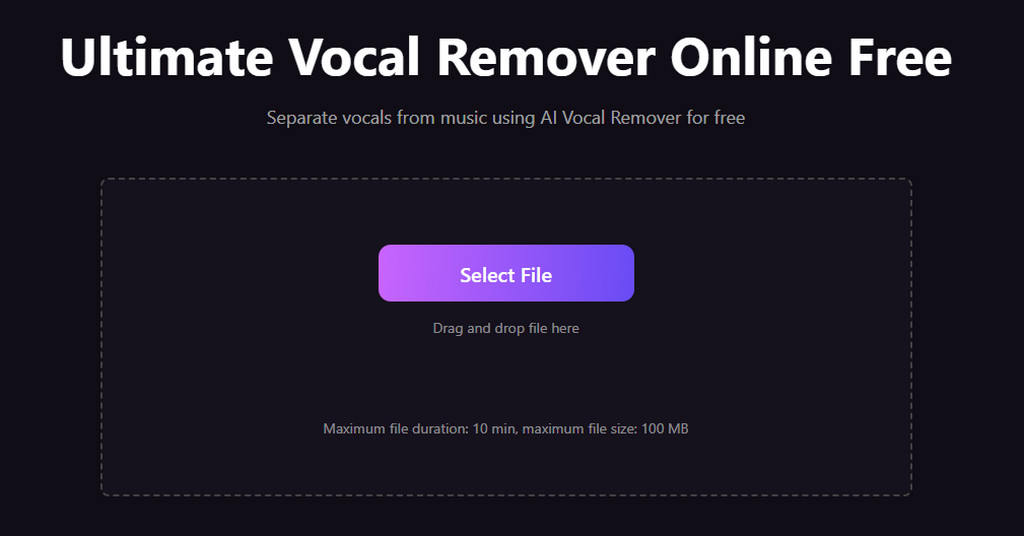
How to separate vocals from music with Coolo AI?
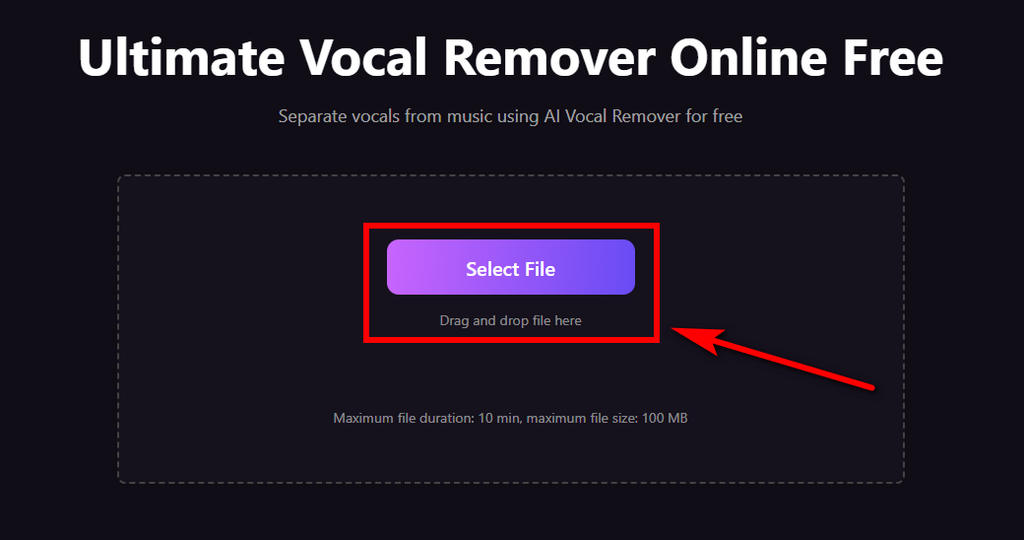
- Go to Coolo AI YouTube vocal remover. Simply click to select your YouTube audio file, or drag and drop it directly from your folder. Uploading is simple, as this all-in-one vocal splitter supports all common audio formats.
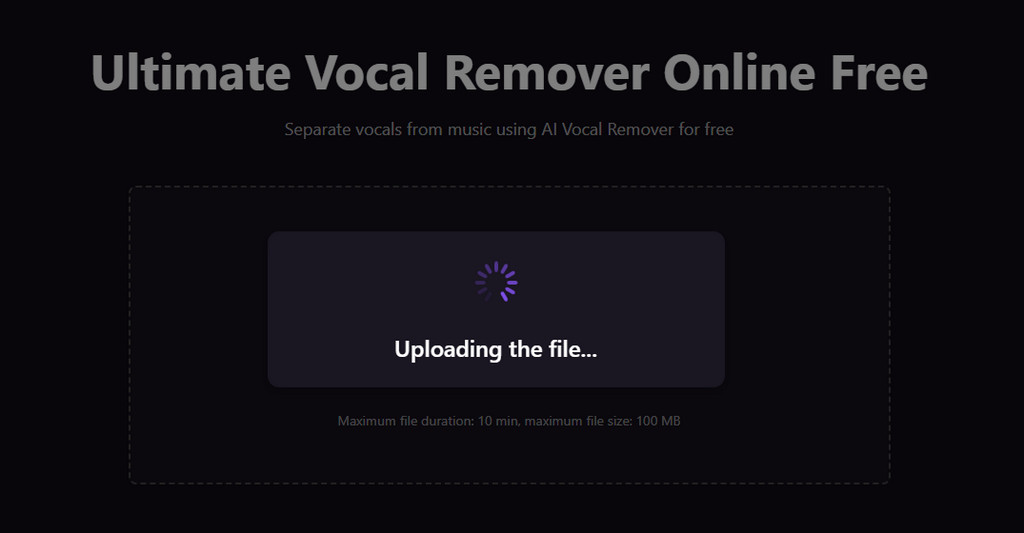
- The advanced AI will process your audio accurately. It only takes a few seconds to generate your clean instrumental or vocal tracks.
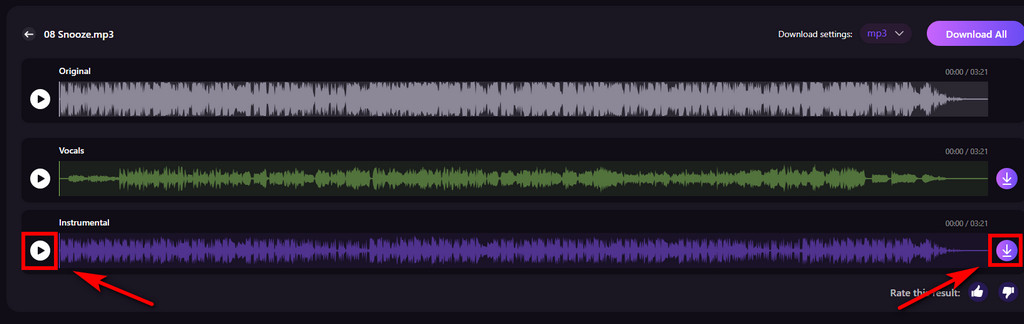
- Preview the isolated instrumental and vocal tracks. Once satisfied, click the Download button to save them for editing, remixing, or karaoke use.
Pros
- Remove vocals from audio for free
- High voice isolation accuracy
- Adjustable sample rate
- Advanced AI engine
- Preserves instrumental detail
- Clean, beginner-friendly interface
- Works entirely online
- Supports all audio formats
Cons
- File size limits apply to uploads
VocalRemover.org
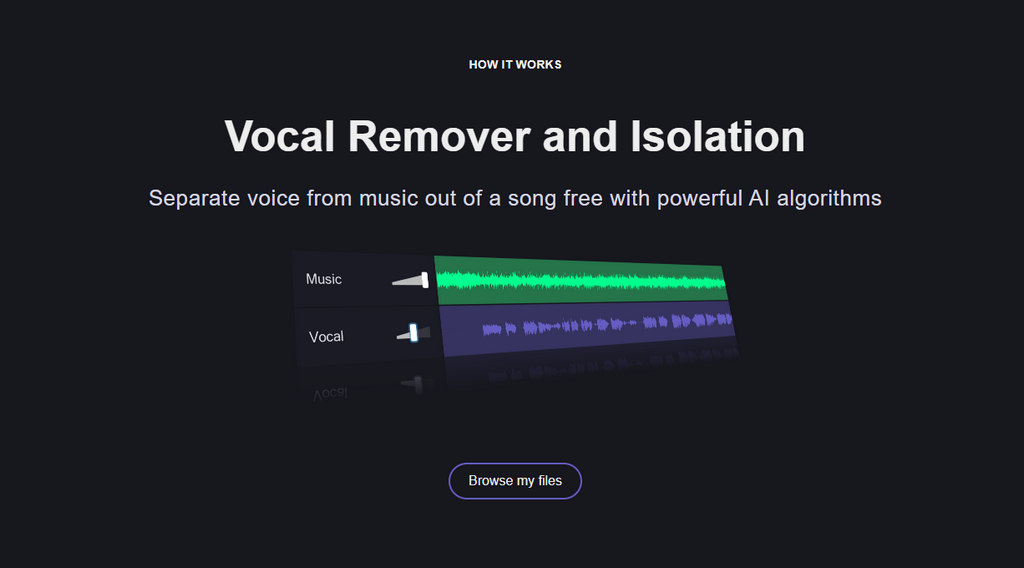
VocalRemover.org allows you to upload audio files and quickly isolate vocals and generate a basic instrument without requiring any technical setup or account registration. Its streamlined workflow makes it popular among casual users who want fast results with minimal effort.
Pros
- Free to use with no sign-up required
- Remove vocals online
- Fast processing speed
- User-friendly audio splitter
Cons
- Free version has file length or usage limits
- Limited control over separation settings
MusicLab
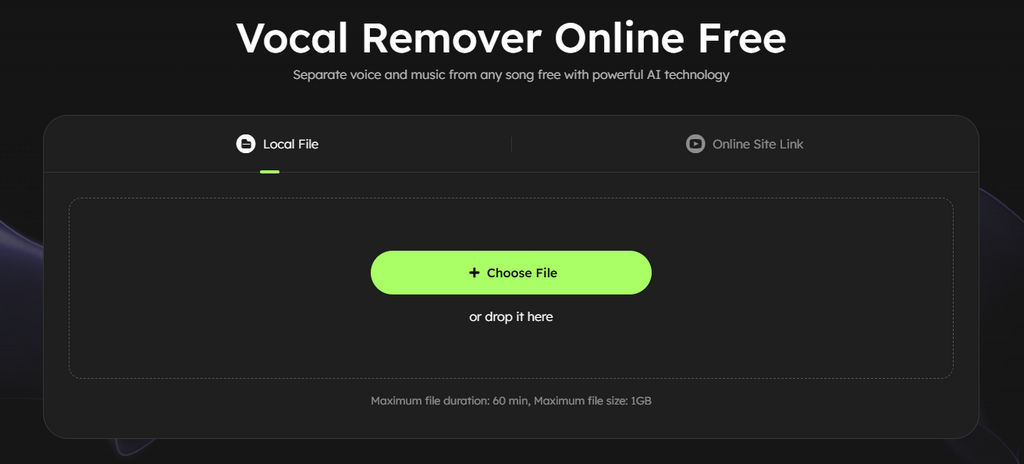
MusicLab is part of the EaseUS multimedia tool ecosystem and stands out for its broad format compatibility. It supports both audio and video uploads, which can be helpful for users who work directly with YouTube videos or various media file types. This vocal isolator delivers stable results on simple tracks and spoken-word content, making it a convenient option for basic YouTube instrumental tasks.
Pros
- Supports many audio and video formats
- Handles longer files than many free tools
- Simple upload-and-process workflow
- Supports processing YouTube videos
Cons
- Full features may require payment
Mazmazika
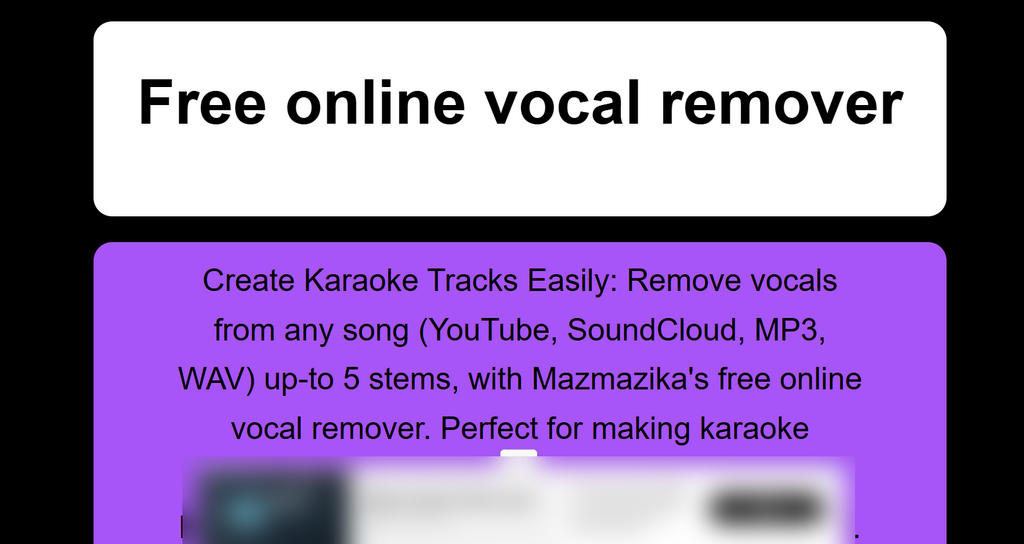
Mazmazika is an AI-based YouTube vocal remover that lets you extract vocals and instrumentals from links. It also supports recording your own singing and mixing it with the clean instrumental tracks, all while aiming to deliver high-quality karaoke tracks for users.
Pros
- Supports multi-stem separation
- Fully browser-based
- Useful for remixing and music experimentation
- Isolate vocals from song for free
Cons
- Contains pop-up ads
- The interface and features are fairly basic
Feature Comparison: Which YouTube Vocal Remover Fits You Best?
| Feature / Tool | Coolo AI | VocalRemover.org | MusicLab | Mazmazika |
|---|---|---|---|---|
| YouTube Audio Workflow | Excellent | Excellent | Excellent | Good |
| Vocal Separation Accuracy | Excellent | Good | Excellent | Good |
| Multiple Sample Rate Options | Excellent | / | / | / |
| Stem Control Options | Excellent | Basic | Basic | Basic |
| Performance on Complex Songs | Excellent | Good | Good | Good |
| Processing Speed | Excellent | Good | Basic | Good |
| Ease of Use | Excellent | Excellent | Excellent | Excellent |
| Format compatibility | Excellent | Excellent | Excellent | Excellent |
| Device compatibility | Excellent | Excellent | Excellent | Excellent |
| Free Usage Availability | Excellent | Excellent | Limited free use | Good |
Part 2. Explore More AI Audio Tools for Your YouTube Audio Needs
1. Stem Splitter for Creative Control
With the Coolo AI stem splitter, you can separate YouTube audio into vocals, drums, piano, bass, and other instruments. Ideal for remixing tracks, creating instrumentals, or customizing background music for videos.
2. Lead & Back Splitter for Vocal Practice
You can separate lead and backing vocals from any YouTube audio. It’s ideal for music lovers to practice vocals with different vocal stems or create their own recordings using the original song. You can also create your own recording of the original song.
3. Noise Remover for Clear Sound
There are many ways to enhance audio quality, and removing noise is one of the most effective ones. The Coolo AI noise remover helps you reduce background noise easily — you can eliminate hiss, static, and ambient noise from audio. It’s perfect for polishing commentary, voiceovers, interviews, and podcast-style content.
Together, these different Coolo AI tools help music lovers and YouTube creators refine audio quality, streamline editing, and produce cleaner, more professional results — without complex software.
Conclusion
Removing vocals from songs no longer requires complicated software or studio skills. You can even get your desired instrumental tracks from YouTube use the reliable AI vocal remover, and anyone can produce clean instrumentals in minutes.
If you’re looking for an easy, accurate, and beginner-friendly solution, Coolo AI YouTube vocal remover offers a smooth workflow and consistently clean results for karaoke, practice, and remixing. It simplifies vocal removal while preserving the musical details that matter most.
Coolo AI Online Vocal Remover
100% vocal and instrumental isolation
FAQs
1. What is a YouTube vocal remover?
It’s an online AI tool that removes vocals from YouTube audio files, leaving only the instrumental track. With advanced AI technology, you can easily create karaoke or backing tracks from YouTube audio — no professional equipment or technical skills required.
2. Can I remove vocals from YouTube for free?
Yes. The Coolo AI YouTube vocal remover allows you to separate vocals from music for free. You can preview the instrumental before downloading, with no hidden fees.
3. How to isolate vocals from YouTube audio?
First, go to the Coolo AI vocal remover and upload the audio file. The AI will analyze your file in seconds. You can then preview the result and save the track as needed.
4. What is the best YouTube vocal remover?
Coolo AI YouTube vocal remover is one of the best options available. Powered by advanced AI models, it separates music from vocals quickly and accurately, all online — no software installation or setup needed.
5. Can I separate vocals from music online?
If you’re looking to separate vocals from music and get a clean instrumental track, Coolo is a great choice for you. It’s an all-in-one tool designed for everyone. With features like stem splitter and audio enhancer, you can get the tracks you want in just a few clicks.