
How to Remove Reverb from Audio (5 Easy Ways)
Martina Lee | Updated on 2026-08-20
Trying to remove reverb from audio can be frustrating, especially if your recording has echo, room reflections, or a hollow sound. This often happens with recordings made in large spaces, on Zoom, or without proper equipment.
In the past, fixing reverb required complex editing or expensive tools. Now, AI makes it easy to remove reverb from audio online in just a few clicks.
In this guide, you'll learn when to use a reverb remover and the best ways to clean up your audio quickly.
Contents
Part 1. When Should You Remove Reverb from Audio?
Reverb, or echo, can make your audio sound distant, hollow, or unprofessional. You should consider using a reverb remover whenever your recordings are affected by room reflections, large open spaces, or low-quality recording environments.
Using an AI-powered tool like Coolo AI reverb remover can instantly reduce or eliminate unwanted reverb, giving you clearer, more professional audio. Removing reverb is especially useful when you want your voice or instruments to sound natural, clean, and easy to understand.
Part 2. 5 Methods to Remove Reverb from Audio
Coolo AI Reverb Remover
Coolo AI reverb remover clears unwanted echo, bringing back clarity and depth so every voice, note, or beat sounds vibrant. It doesn't just remove reverb, it restores your audio's full presence.
Besides removing echo and reverb, it can separate vocals and instruments, isolating pure vocals for singing practice, remixing, or karaoke. This makes it useful not only for fixing room echo but also for producers and learners who want a dry vocal track to study phrasing, timing, and pronunciation clearly.
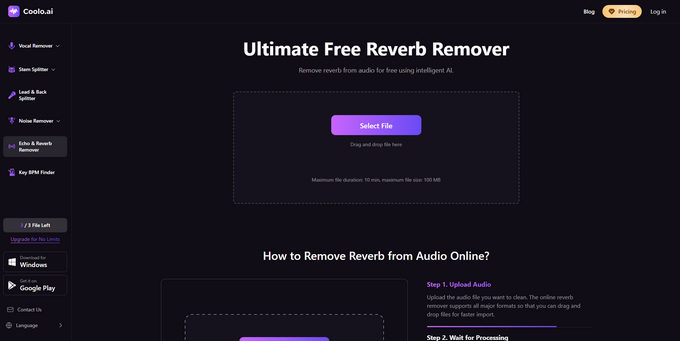
How to remove reverb from audio with Coolo AI?
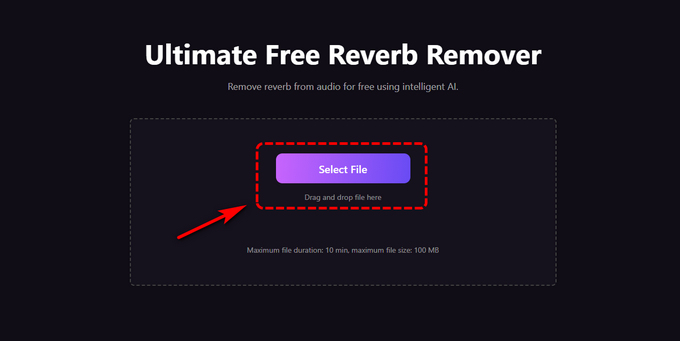
- Click the Select File button and drag or drop your audio into the reverb remover.
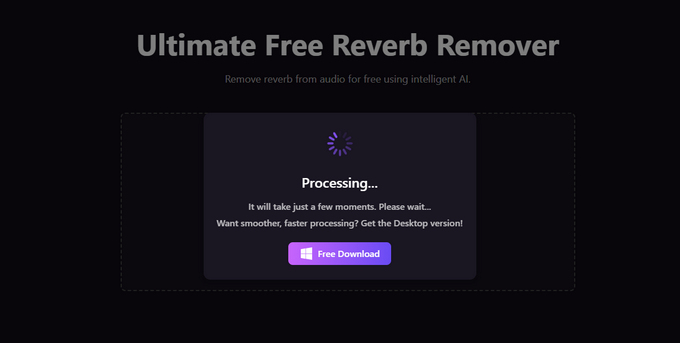
- Our AI instantly processes your audio, removing reverb with no manual effort.
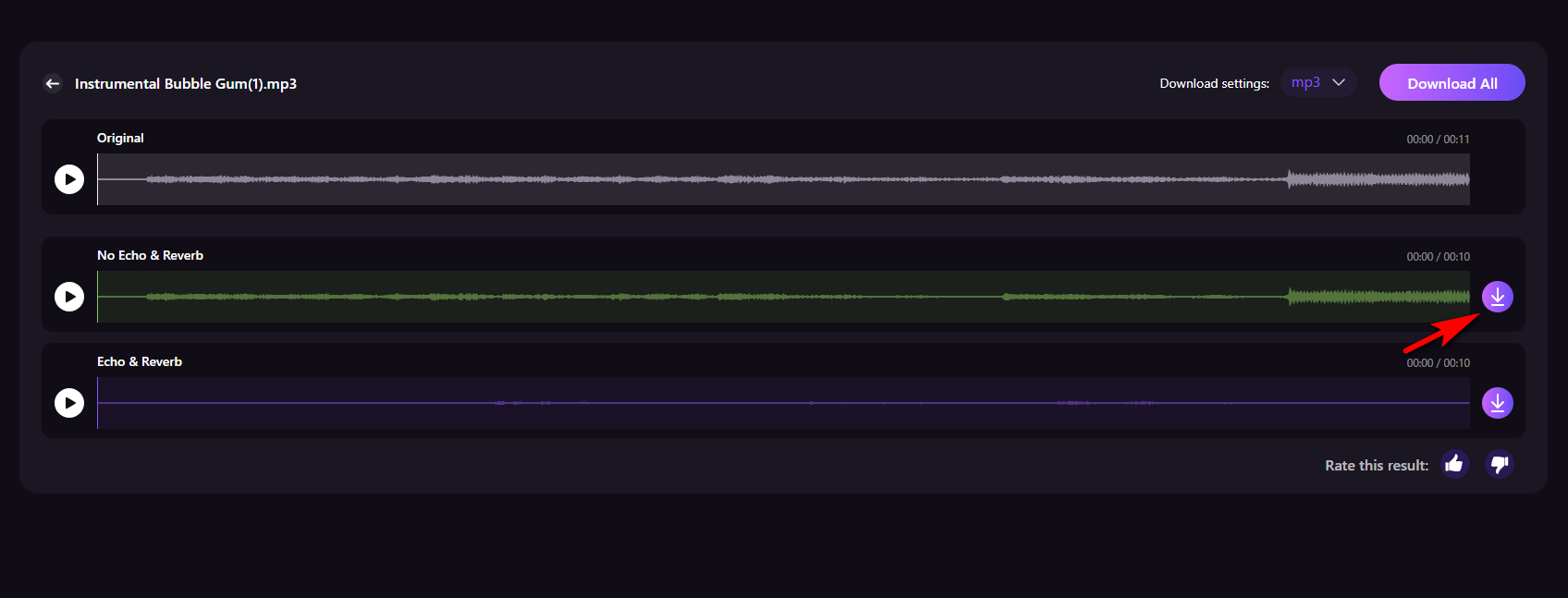
- Download your clean, reverb-free audio, ready for publishing, sharing, or further editing.
AnyVibe AI Audio Enhancer
AnyVibe audio enhancer helps you remove echo from audio using AI. It can also remove background noise, distortion, echo, breath, and white noise. With a clean interface and batch upload support, it makes it easy to process multiple recordings at once and save time on repetitive tasks.
How to remove noise from audio with AnyVibe?
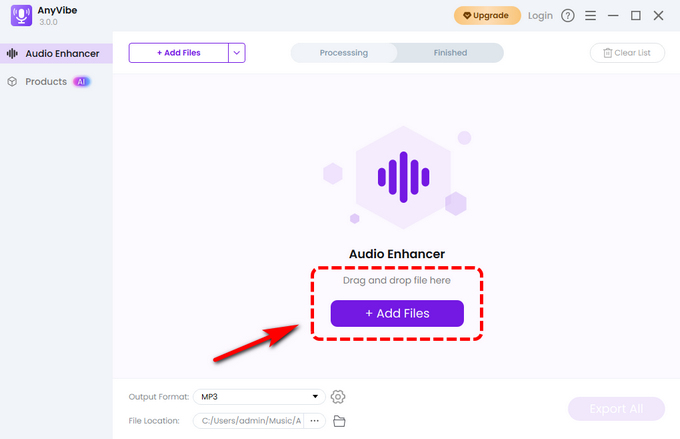
- Upload your audio to the AnyVibe audio enhancer.
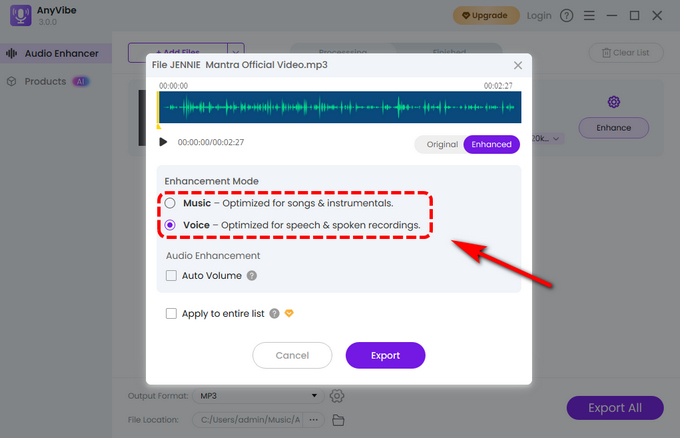
- Choose the enhancement mode that fits your audio and optionally auto-adjust the volume.
- Click Export to download your echo-free audio.
Voice.ai
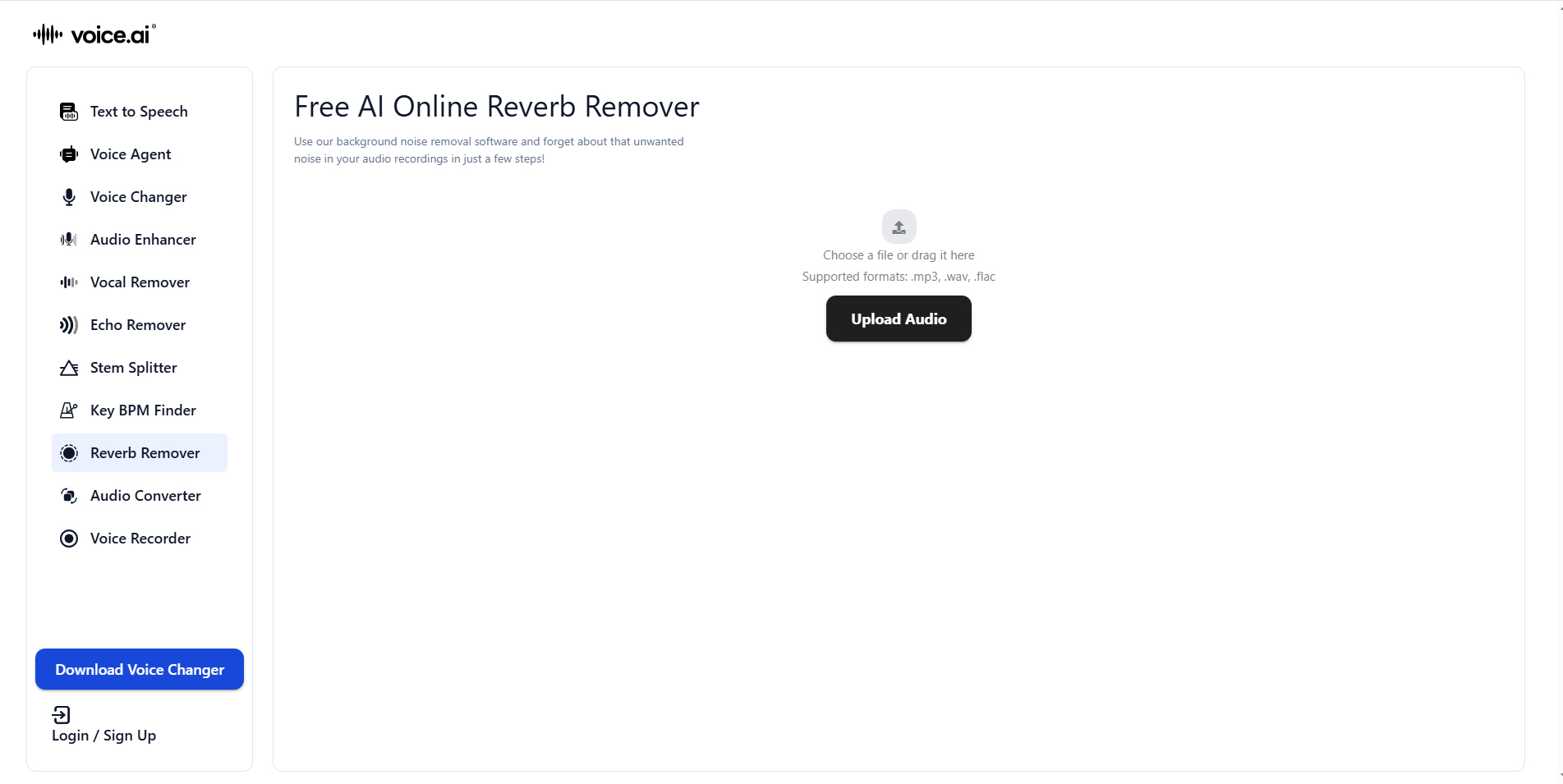
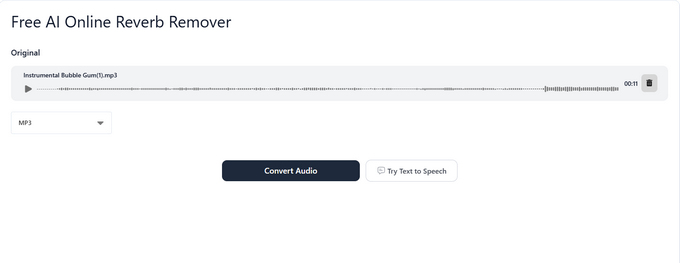
Voice.ai is an AI audio tool that helps remove reverb, echo, and background noise with ease. It delivers clean, natural sound without complicated editing, and its simple interface makes it easy to use for any project, from podcasts to voice recordings.
How to remove reverb from audio online with Voice.ai?
- Drag and drop your file into the upload box or click Upload Audio to select your audio.
- Click the Convert Audio button and let the tool quickly remove unwanted reverb.
- Preview and download your clean, reverb-free audio.
LALAL.AI
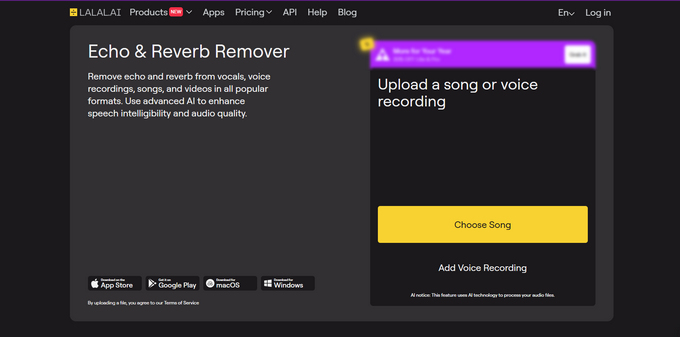
LALAL.AI is an AI-powered online tool that removes reverb from audio, voice recordings, and video files. It runs in your browser with no installation needed and supports multiple formats. Commonly used for podcasts and spoken content, it helps turn echo-heavy audio into a cleaner, more professional sound.
How to reduce reverb from audio using LALAL.AI?
- Click the button to select the audio file for reverb removal.
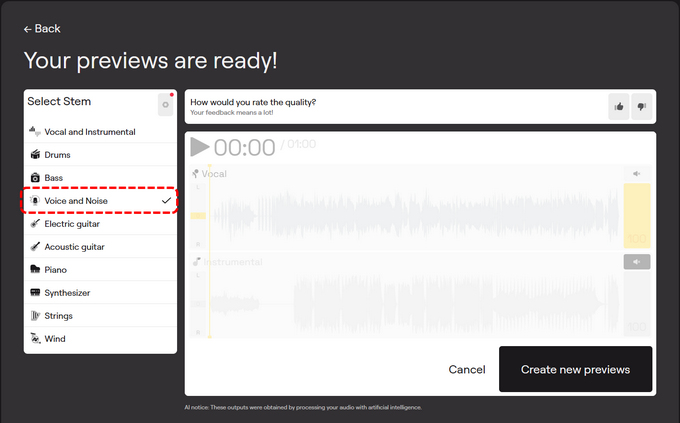
- Once uploaded, select Voice and Noise under Select Stem on the left, then wait while the AI processes your audio.
- Preview your audio and download it in one click.
AudioCleaner.ai
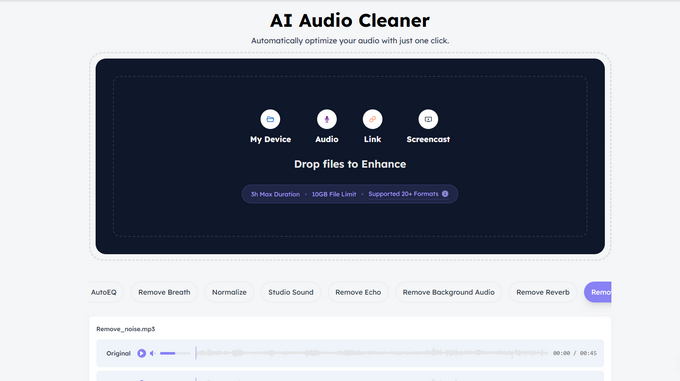
AudioCleaner.ai helps remove reverb and unwanted noise, bringing back clarity and balance so your audio sounds clean and natural. It's not just about reducing echo, but about making your voice and recordings clearer and more polished.
Steps to remove reverb in AudioCleaner.ai:
- Drag and drop your audio file into the tool or paste a link.
- The AI quickly processes your file and removes reverb automatically.
- Download your clean, reverb-free audio.
Conclusion
Removing reverb from audio no longer requires complex editing or expensive software. With modern AI tools, you can quickly clean up echo, improve clarity, and make your recordings sound more professional in just a few clicks.
Whether you're working on podcasts, voice recordings, or music, choosing the right tool can make a big difference. Coolo AI reverb remover offers a fast and reliable way to get clean, natural sound without any technical hassle.
Coolo AI Reverb & Echo Remover
Remove reverb & echo from audio in one click.
For more stable performance, Coolo also offers a downloadable version.
FAQs
1. How to remove reverb from audio?
You can use Coolo AI reverb remover to clean your audio quickly. It automatically removes reverb from vocals and gives you a clear, polished track.
2. How does AI reverb remover work?
It analyzes your audio and removes reverb and background noise automatically, making the sound clearer without manual editing.
3. What types of audio files can the reverb removal process tool?
Our AI reverb remover supports common formats like MP3, WAV, MP4, and MOV, so you can work with different types of audio and video files easily.